CRM automation: the complete guide for small businesses
What CRM automation is, which follow-up tasks to automate first, how much time it saves and how to set it up without breaking your pipeline. A practical guide from real client builds.
 Ibrahim “Laolu” Awosanya3 min read
Key takeaways
- CRM automation means the CRM acts on a lead the moment something happens, without anyone pressing a button.
- Start with speed to lead, follow-up sequences and lead routing: they pay back fastest.
- Clean data and clear pipeline stages come before automation, not after.
- Every automation needs an owner, a test and an alert when it fails.
Most small businesses don't lose deals because they lack leads. They lose them in the gap between "a lead came in" and "someone followed up". CRM automation closes that gap. Done well, it means every lead gets a reply in seconds, lands with the right person and keeps hearing from you until they're ready to buy.
This guide covers what to automate first, what to leave to humans and how to set it up so it keeps working.
What CRM automation actually means
A CRM without automation is a contact list. You still have to remember who to call, when to send the next email and which leads are going cold. CRM automation adds rules that run on their own:
- Triggers: something happens, like a form fill, a new tag, a missed call or a stage change.
- Conditions: the rule checks who the lead is, where they came from and what they asked for.
- Actions: the CRM sends a message, assigns an owner, creates a task or moves the deal forward.
The result is a system that does the repetitive follow-up for you and only asks a human to step in when it matters.
The five automations that pay back fastest
If you only build five automations this year, build these. They're the ones I set up first for almost every client.
- Instant first response. A text and email within a minute of every new lead. Response time is the single biggest driver of contact rates. Read more in my guide to speed to lead.
- Lead routing. New leads are assigned by source, location or round robin, and the agent gets an alert with the lead's details.
- Follow-up sequence. A timed mix of calls, texts and emails that runs until the lead replies, then stops automatically.
- Stale-lead rescue. If nobody touches a lead for 48 hours, it gets reassigned or flagged.
- Long-term nurture. Leads who aren't ready go into a monthly or bi-weekly sequence instead of being forgotten.
Fix the foundations before you automate
Automation amplifies whatever is already in your CRM. If the data is messy, automation sends the wrong message to the wrong person faster. Before building workflows, I always check three things:
- Pipeline stages that match how you actually sell (see how to design pipeline stages).
- A tag system that is short, consistent and documented.
- Duplicates and dead contacts cleaned out, with Do Not Contact records protected (see CRM data cleanup).
Built-in automation vs Zapier, Make or n8n
Most modern CRMs have their own automation builder. Use it first: it's faster, cheaper and easier for your team to understand. Reach for an integration tool when you need to connect systems that don't talk to each other, like a loan system, a booking tool or a spreadsheet.
| Need | Best fit |
|---|---|
| Follow-up sequences inside the CRM | Built-in (action plans, smart plans, workflows) |
| Connect two well-known apps quickly | Zapier |
| Complex branching at a lower cost | Make |
| AI agents and high volume | n8n |
I compare the three in detail in Zapier vs Make vs n8n.
Where AI fits in
AI is now practical for small businesses in three places: answering calls and messages, qualifying leads and summarizing conversations into the CRM. An AI voice agent can pick up every call at night and book the appointment. The rule I follow: add AI only where it saves real time or wins deals, and always with guardrails.
How to roll it out without breaking things
- Map the journey on paper: how a lead arrives, who follows up and when.
- Build one automation at a time and test it with a fake lead.
- Turn on alerts so failures don't happen quietly.
- Review the numbers after two weeks and adjust timing and wording.
If you'd rather have it done for you, my Follow-Up Engine package covers the full setup, from clean data to AI replies, tested end to end and handed over in your accounts.
Frequently asked questions
What is CRM automation?
CRM automation is a set of rules that make your CRM act on its own: replying to new leads, assigning them, starting follow-up sequences, creating tasks and updating stages when something happens.
Which CRM is best for automation?
The one your team will actually use. GoHighLevel and HubSpot have the strongest built-in workflow builders; Follow Up Boss and Lofty are excellent for real estate; and Zapier, Make or n8n can add automation to almost any CRM.
How long does it take to automate a CRM?
A focused setup with instant replies, routing and one nurture sequence usually takes one to two weeks. A full system with integrations and AI takes two to four weeks.
CRM & AI automation specialist, Level 2 seller on Fiverr and certified across HighLevel, HubSpot, Zapier, Make, n8n and more. I build CRMs and automations that follow up on every lead. More about me
Want your CRM to follow up for you?
I'll map your lead flow on a free call and show you the first three automations I'd build.
Keep reading
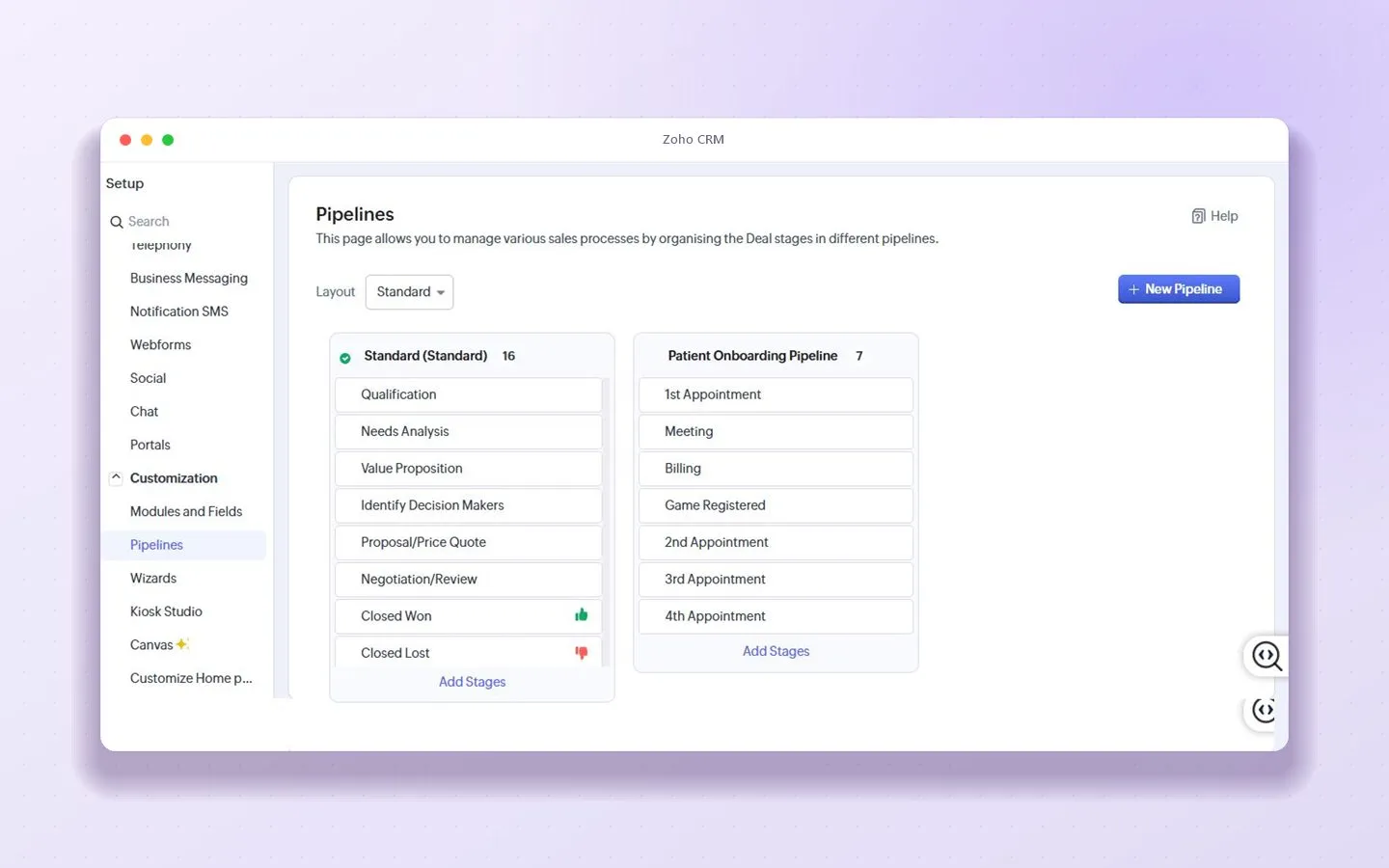 CRM StrategyHow to design CRM pipeline stages your team actually usesA practical framework for CRM pipeline stages: how many to have, how to name them, exit criteria for each stage and example pipelines for service...
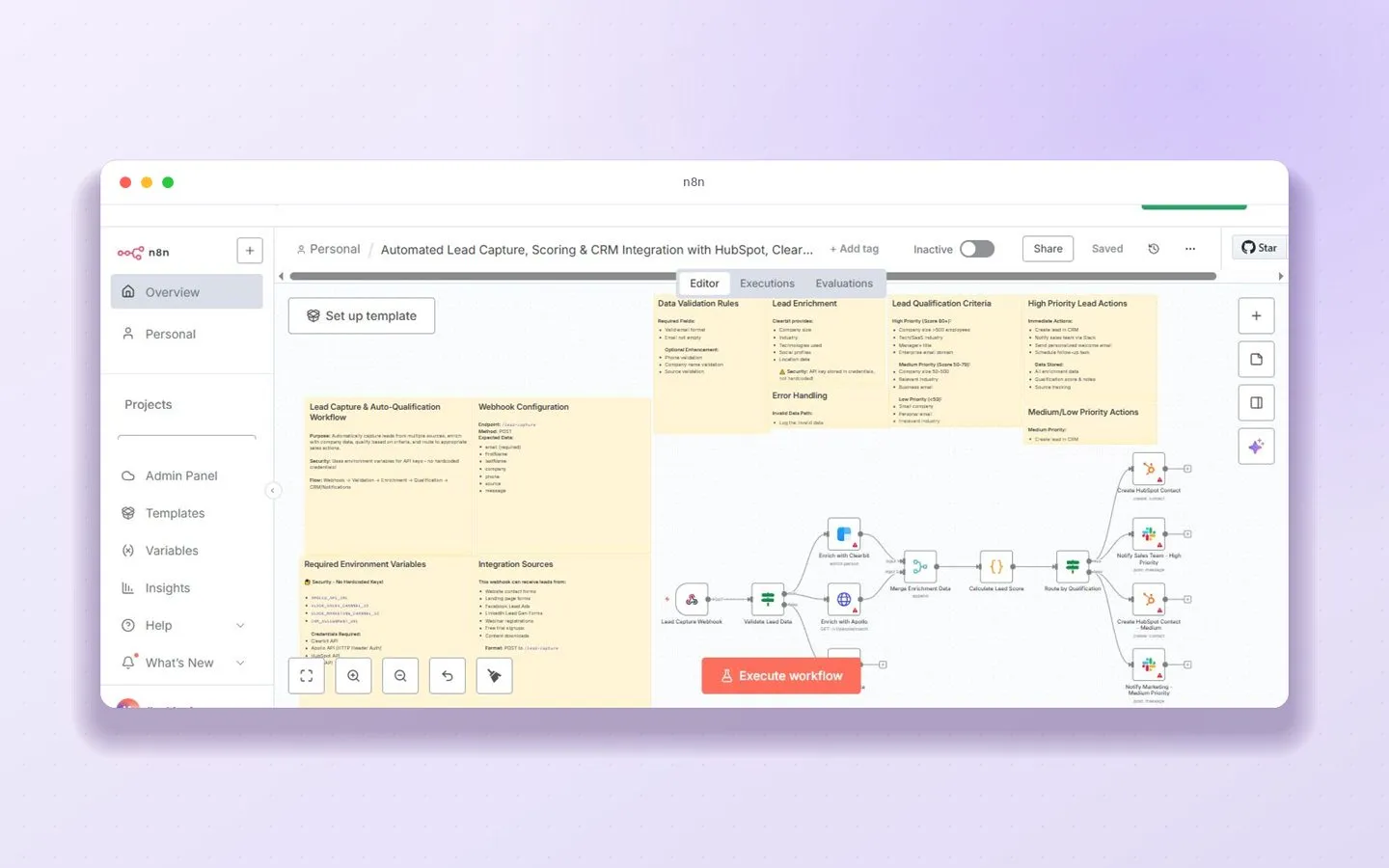 CRM StrategyGoHighLevel vs HubSpot: which CRM should a small business choose?A certified builder's comparison of GoHighLevel and HubSpot for small businesses: texting and calling, automation, marketing, reporting, ease of use...
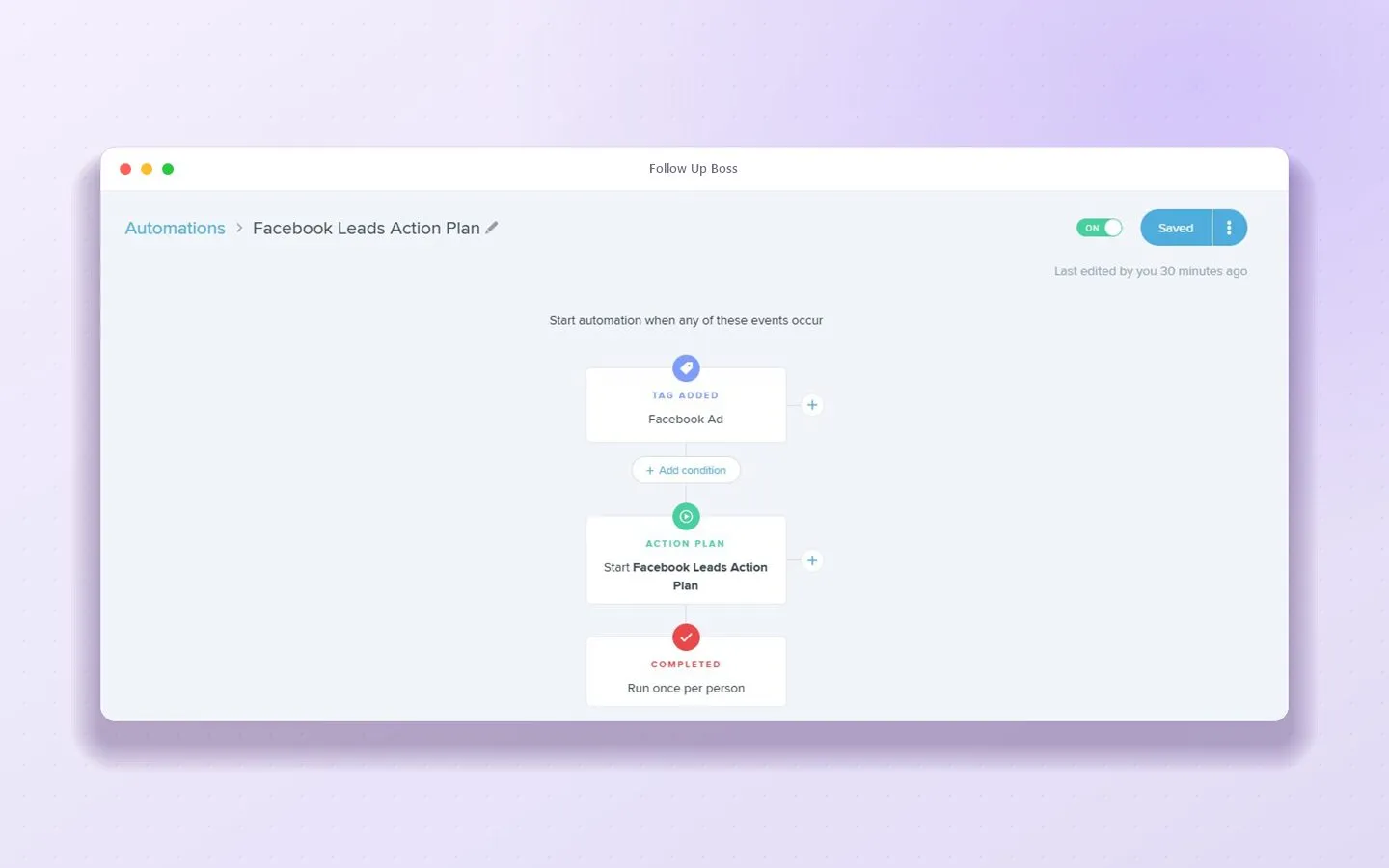 Case study · Follow Up Boss · Facebook AdsInstant follow-up for paid Facebook leadsAd leads were going cold before anyone reached out. Now each one starts a timed follow-up plan the moment it lands.