CRM data cleanup: how to fix duplicates, dead tags and messy records
A step-by-step CRM cleanup process: back up, de-duplicate, standardize fields, rationalize tags, archive dead contacts and set rules so the mess doesn't come back.
 Ibrahim “Laolu” Awosanya3 min read
Key takeaways
- Back up everything before you change anything.
- Fix duplicates and formatting first; they break automations.
- Cut the tag list down to a documented set your team agrees on.
- Prevent the mess from returning with validation and monthly checks.
A messy CRM costs more than time. Duplicates mean two agents call the same lead. Inconsistent tags mean automations miss people. Bad emails damage your sender reputation. Here's the cleanup process I run before any new automation.
1. Back up first
Export everything before you merge, delete or retag anything. If something goes wrong, you can restore it.
2. De-duplicate
- Match on email and phone, then review near-matches by name.
- Merge, keeping the richest record and all notes.
- For contacts with no email or phone, use a custom ID going forward.
3. Standardize fields
Phone numbers in one format, names capitalized, states and countries consistent, sources using one naming convention. Automations and reports depend on it.
4. Rationalize tags
Most CRMs I open have hundreds of tags, many meaning the same thing. Export the tag list, group duplicates, decide on a short documented set and merge the rest. In shared brokerage accounts, I propose the cleanup and get approval before changing anything.
5. Archive the dead weight
Hard bounces, disconnected numbers and junk form fills should be archived or removed. Keep Do Not Contact records protected so they never receive messages.
6. Keep it clean
- Validate on entry: check email and phone before creating contacts (see sending leads to your CRM).
- Find before create in every integration.
- Scheduled cleanup: I've built an n8n "reaper" that archives stale and junk HubSpot records automatically (see the case study).
- A monthly review, covered in my CRM maintenance checklist.
Frequently asked questions
How often should I clean my CRM?
A deep cleanup once, then a monthly check of duplicates, missing fields and stale records keeps it healthy.
Should I delete old contacts?
Usually archive rather than delete. Keep Do Not Contact records so you never message them by mistake, and remove truly invalid contacts.
Can CRM cleanup be automated?
Partly. Validation on entry, scheduled duplicate checks and workflows that archive stale or junk records reduce manual work a lot.
CRM & AI automation specialist, Level 2 seller on Fiverr and certified across HighLevel, HubSpot, Zapier, Make, n8n and more. I build CRMs and automations that follow up on every lead. More about me
Is your CRM too messy to trust?
I'll audit it on a free call and give you a prioritized cleanup plan.
Keep reading
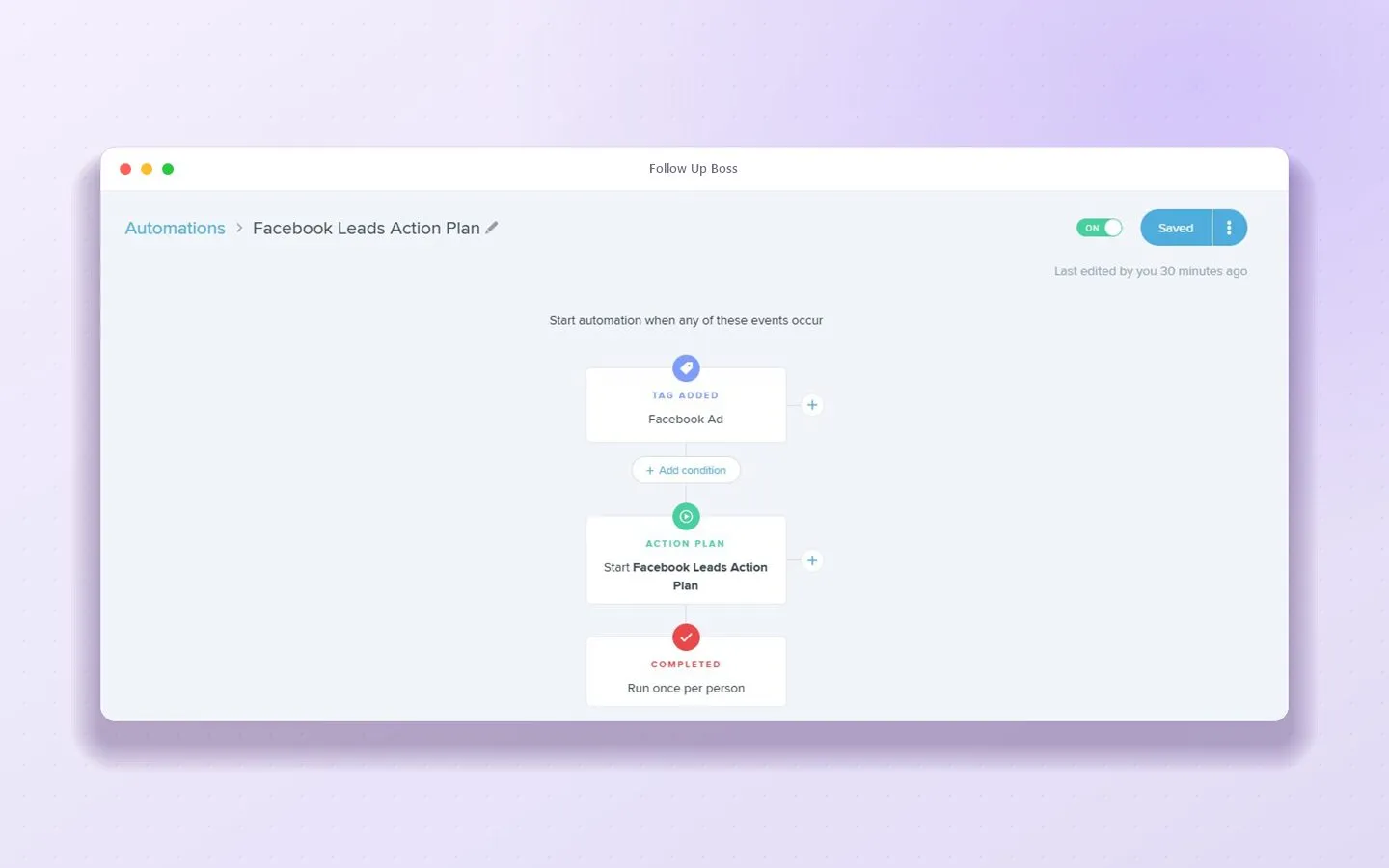 CRM StrategyCRM automation: the complete guide for small businessesWhat CRM automation is, which follow-up tasks to automate first, how much time it saves and how to set it up without breaking your pipeline. A...
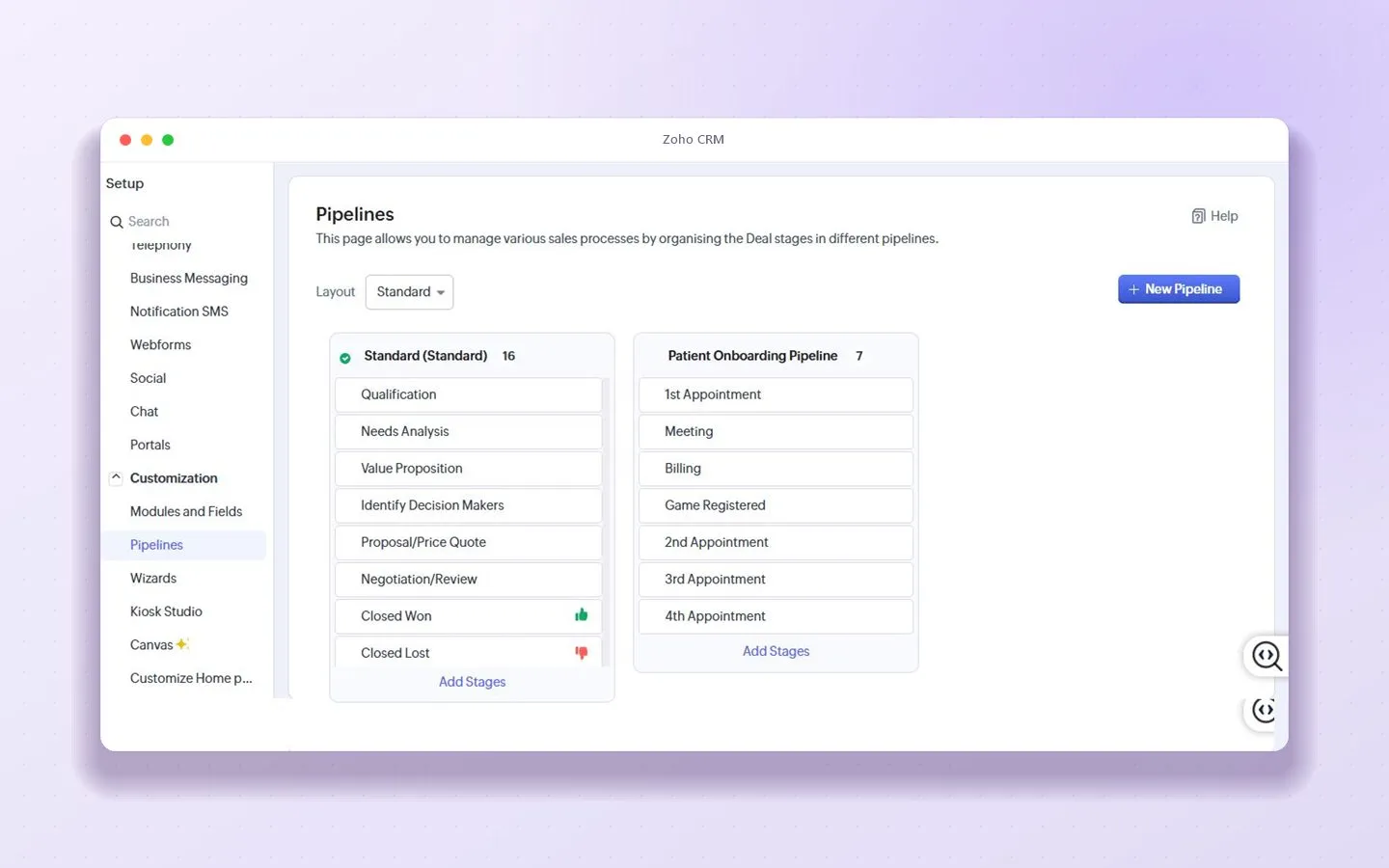 CRM StrategyHow to design CRM pipeline stages your team actually usesA practical framework for CRM pipeline stages: how many to have, how to name them, exit criteria for each stage and example pipelines for service...
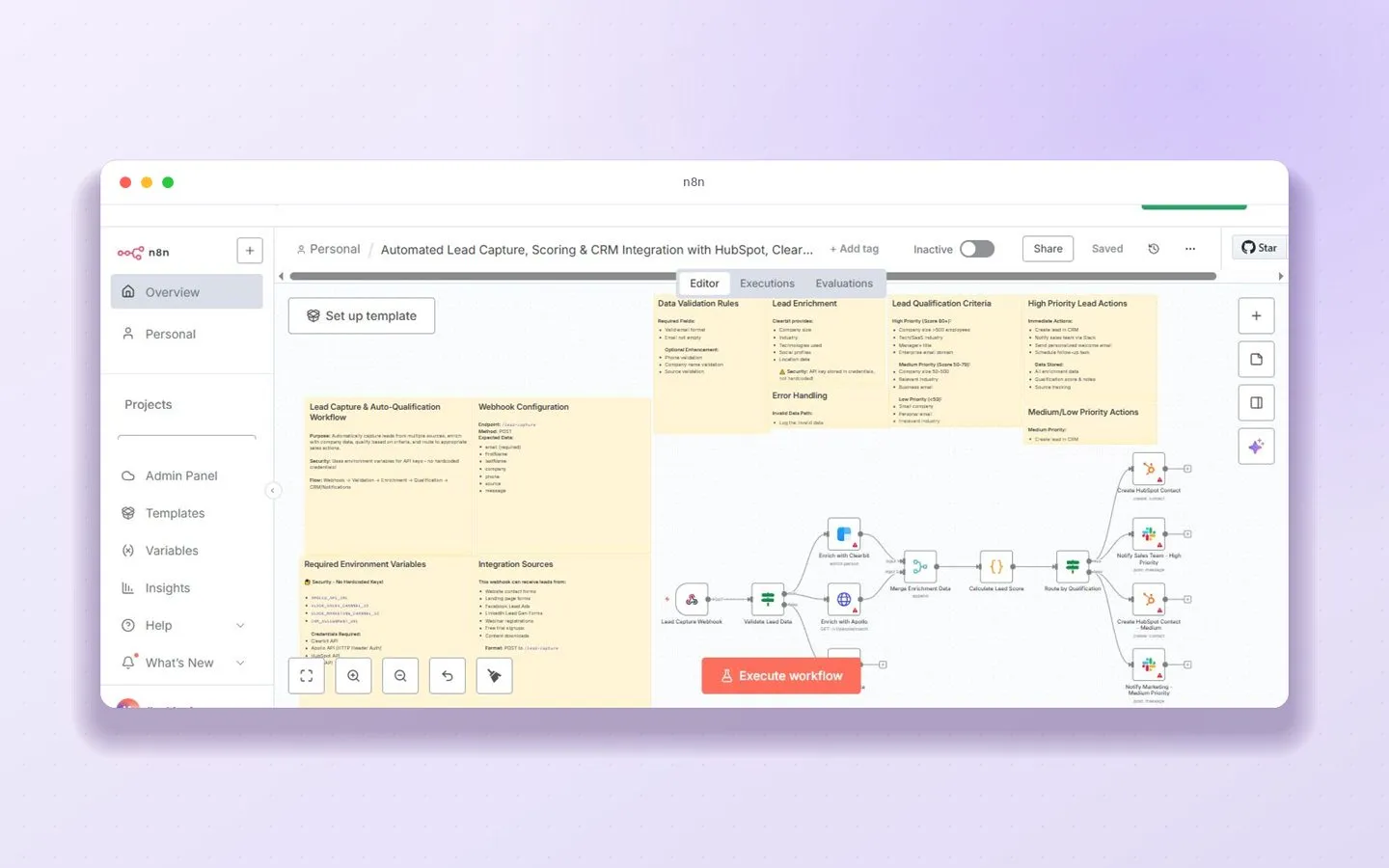 Case study · HubSpot · n8nHubSpot that scores, enriches and cleans itselfEvery new contact is enriched and scored automatically, reps get alerts on the hottest deals and a scheduled clean-up keeps the database...