How to design CRM pipeline stages your team actually uses
A practical framework for CRM pipeline stages: how many to have, how to name them, exit criteria for each stage and example pipelines for service businesses, agencies and real estate.
 Ibrahim “Laolu” Awosanya3 min read
Key takeaways
- Five to eight stages is enough for almost every business.
- Each stage needs a clear exit rule: what must happen to move forward.
- Stages describe where a deal is; tags describe what it is.
- Automate the moves between stages where you can.
A good pipeline answers one question at a glance: where is every deal, and what needs to happen next? Most pipelines I audit fail that test. They have too many stages, vague names and deals that haven't moved in months.
Rule 1: fewer stages than you think
Five to eight stages covers almost every business. Each stage should represent a real change in the buyer's commitment, not an internal admin step.
Rule 2: every stage has an exit rule
Write down what must be true for a deal to move forward. If two people would put the same deal in different stages, the definitions are too loose.
| Stage | Exit rule |
|---|---|
| New lead | First contact attempted |
| Contacted | Two-way conversation happened |
| Qualified | Need, budget and timeline confirmed |
| Appointment booked | Call or meeting on the calendar |
| Proposal sent | Written proposal delivered |
| Won / Lost | Decision made, reason recorded |
Rule 3: stages for where, tags for what
Stages show progress. Tags and custom fields hold detail: source, service interest, location, price range. Mixing them is how pipelines end up with stages like "Facebook lead – hot – buyer".
Rule 4: design for the real journey
A clinic doesn't sell like an agency. For one clinic I replaced a generic sales pipeline with a patient journey: first appointment, meeting, billing, registration and follow-up visits (read the Zoho case study). Real estate needs nurture and past-client stages because deals can take a year.
Rule 5: automate the moves
- Form submitted: create the deal in New lead.
- Appointment booked: move to Appointment booked.
- Contract signed or payment received: move to Won.
- No activity for X days: flag or move to nurture.
Automatic stage changes keep reports honest without relying on memory. More in my CRM automation guide.
Frequently asked questions
How many pipeline stages should a CRM have?
Usually five to eight. Fewer than five hides problems; more than ten means people stop updating them.
Should I have more than one pipeline?
Only when the sales process is genuinely different, for example new clients versus renewals. Do not create one pipeline per lead source.
Can stages update automatically?
Yes. Bookings, replies, signed contracts and payments can all move a deal to the next stage automatically.
CRM & AI automation specialist, Level 2 seller on Fiverr and certified across HighLevel, HubSpot, Zapier, Make, n8n and more. I build CRMs and automations that follow up on every lead. More about me
Pipeline full of leads nobody can find?
I'll redesign your stages around how you actually sell. Book a free call.
Keep reading
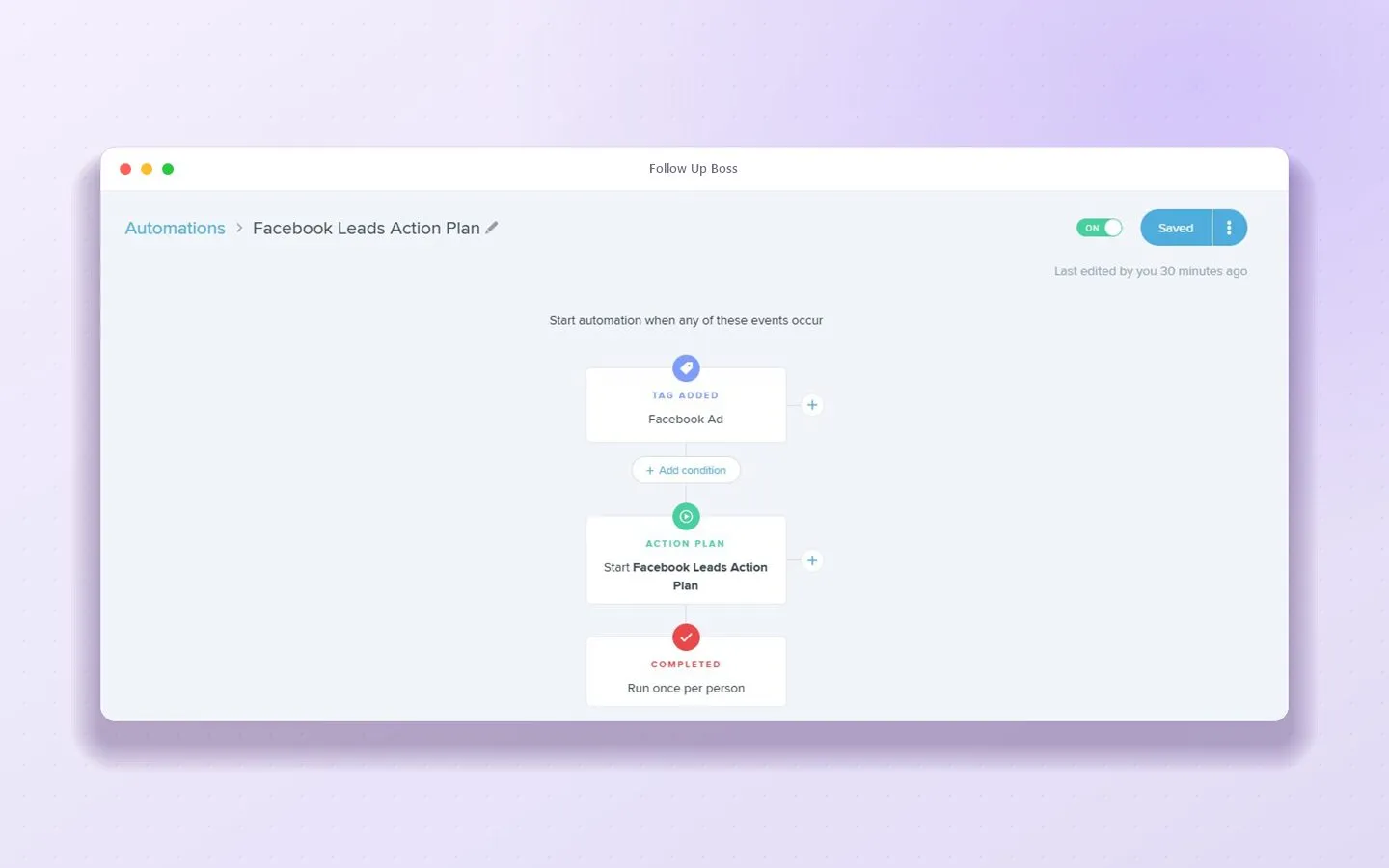 CRM StrategyCRM automation: the complete guide for small businessesWhat CRM automation is, which follow-up tasks to automate first, how much time it saves and how to set it up without breaking your pipeline. A...
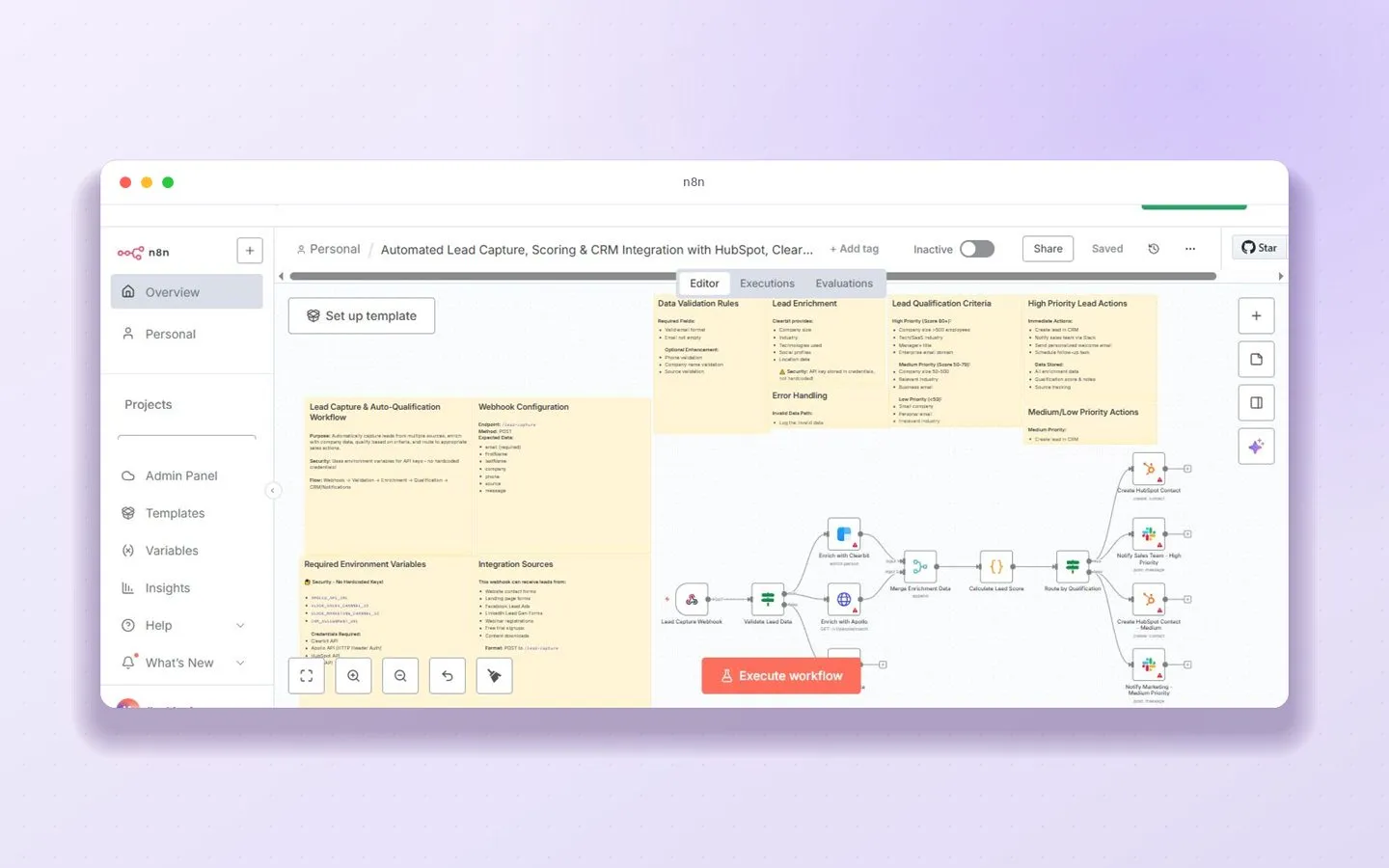 CRM StrategyGoHighLevel vs HubSpot: which CRM should a small business choose?A certified builder's comparison of GoHighLevel and HubSpot for small businesses: texting and calling, automation, marketing, reporting, ease of use...
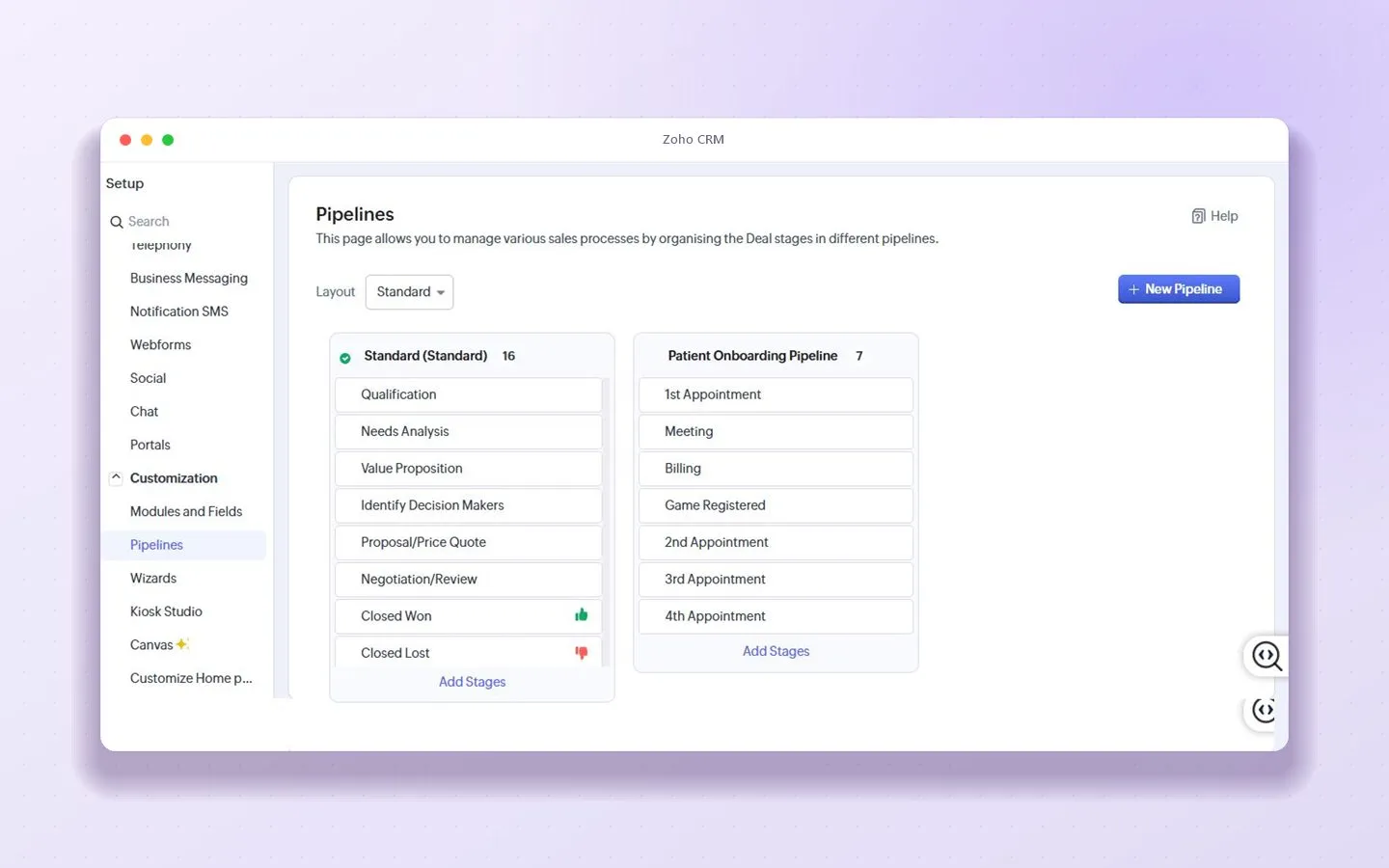 Case study · Zoho CRM · HealthcareA Zoho CRM that tracks every patient journeyA custom patient onboarding pipeline, connected booking page and lead layouts, so the front desk sees exactly who needs a call next.