How to send website and Facebook leads into your CRM automatically
Stop copying leads by hand. How to connect website forms, Facebook Lead Ads and landing pages to your CRM with native integrations, Zapier, Make or webhooks, with validation and failure alerts.
 Ibrahim “Laolu” Awosanya3 min read
Key takeaways
- Use your CRM's native integration first; use Zapier, Make or webhooks when there isn't one.
- Validate leads before they're created to keep junk out.
- Tag every lead with its source so you know what's working.
- Alert someone when a lead fails to arrive.
If someone on your team copies leads from email notifications into the CRM, you're losing time and, sooner or later, leads. Every lead source can feed your CRM automatically. Here's how I set it up.
Option 1: native integrations
Start here. Most CRMs connect directly to Facebook Lead Ads, popular form builders and real estate portals. Native connections are usually the most reliable and need the least maintenance.
Option 2: Zapier or Make
When there's no native connection, Zapier or Make fills the gap. A typical flow:
- Trigger: new form submission or new Facebook lead.
- Validate: check the email and phone look real; filter out spam.
- Find or create: look up the contact first so you don't create duplicates.
- Tag and assign: add the source, assign an owner, start the follow-up plan.
- Notify: alert the right person instantly.
Not sure which tool? See Zapier vs Make vs n8n.
Option 3: webhooks and APIs
Custom websites can post form data straight to a webhook in Zapier, Make, n8n or the CRM itself. This is the most flexible option, and the most likely to break quietly if nobody is watching.
The failure points I fix most often
- Required fields: the CRM rejects the lead because the form doesn't send a field it requires.
- Expired connections: a password change disconnects the integration.
- Silent webhook errors: the website "submits" but nothing arrives.
- Duplicate contacts from re-submissions.
For one US agency, two client websites were losing form leads before they reached each client's CRM. I rebuilt one flow into JobTread and the other into Zoho, worked around Zoho's required fields and tested end to end with the owner (read the case study).
Always add a safety net
Send an alert when a step fails, and run a weekly check that compares form submissions with new CRM contacts. More in why automations fail quietly.
Frequently asked questions
How do I connect Facebook Lead Ads to my CRM?
Use the CRM's native Meta integration if it has one. Otherwise, Zapier or Make can watch your lead form and create the contact, tag it and start a follow-up plan instantly.
Why are some of my website leads not reaching the CRM?
Common causes are broken webhooks, required CRM fields the form does not send, expired connections and spam filters. Each needs its own fix and an alert.
Can leads go to different CRMs for different clients?
Yes. Agencies often route each client website to that client's CRM, as I did for an agency using JobTread and Zoho.
CRM & AI automation specialist, Level 2 seller on Fiverr and certified across HighLevel, HubSpot, Zapier, Make, n8n and more. I build CRMs and automations that follow up on every lead. More about me
Leads landing in the wrong place, or not at all?
I'll trace where your leads go and fix the gaps. Book a free call.
Keep reading
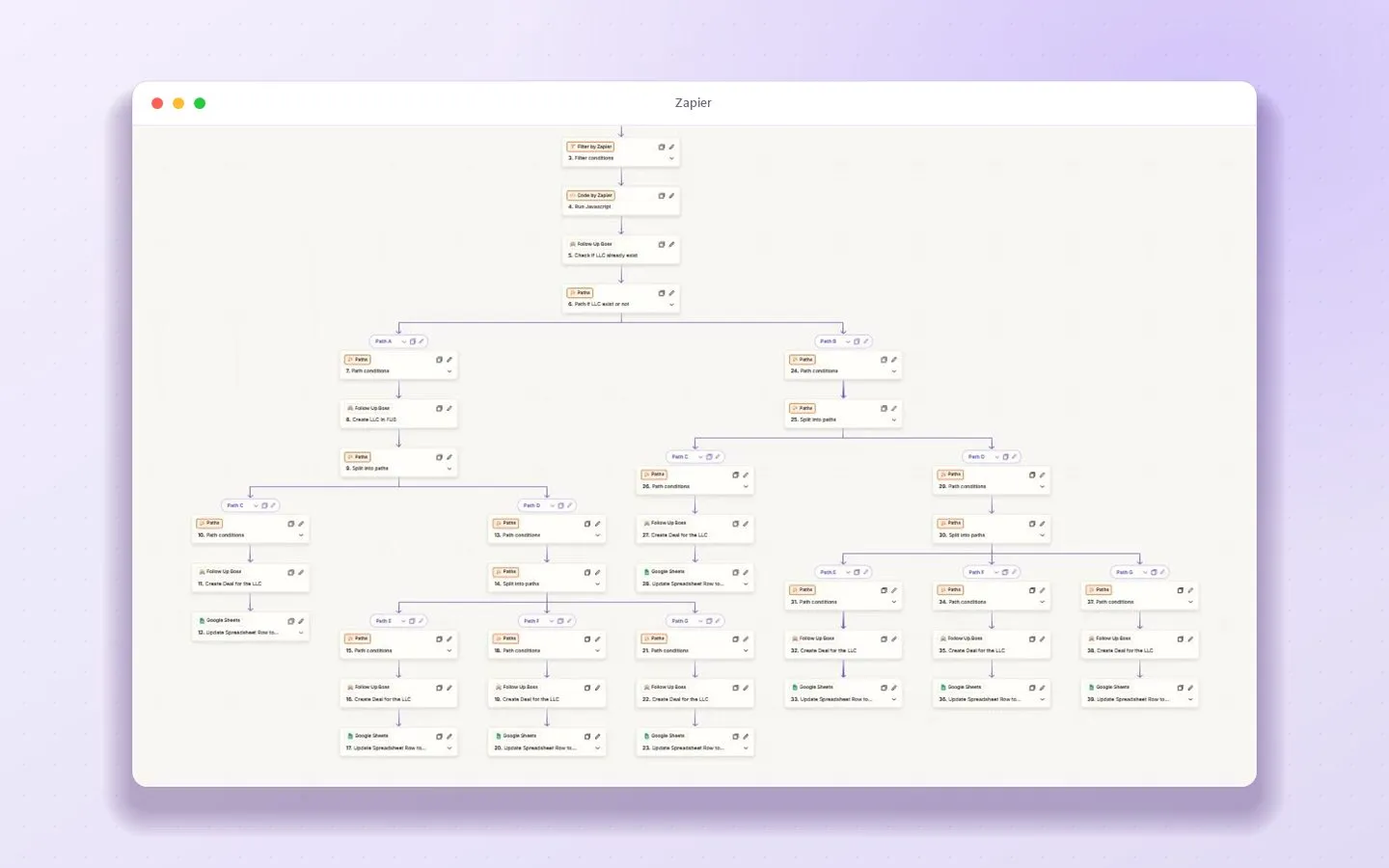 Workflow AutomationZapier vs Make vs n8n: which automation tool should you use?An honest comparison of Zapier, Make and n8n for small businesses: ease of use, pricing models, AI agents, reliability and when to use each, from a...
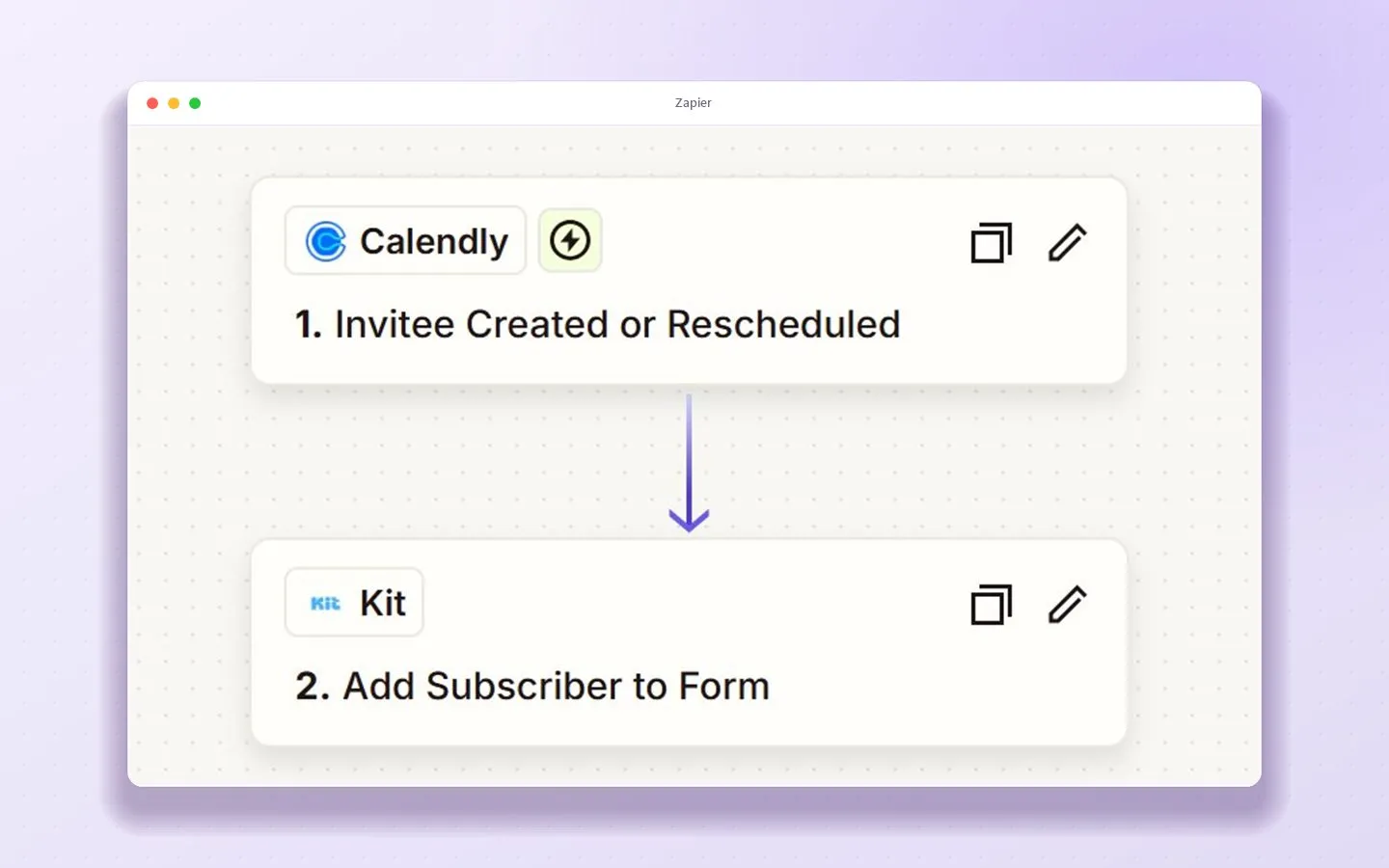 Workflow Automation12 Zapier automations that save small businesses hours every weekPractical Zapier automation ideas for small businesses: lead capture, bookings, invoices, onboarding, reviews and reporting, each with the apps...