Speed to lead: how to respond to every real estate lead in under 5 minutes
Why response time decides who wins the client, and the exact CRM setup that gets every Zillow, Facebook and website lead a reply in seconds and an agent call within five minutes.
 Ibrahim “Laolu” Awosanya3 min read
Key takeaways
- The first agent to make real contact usually wins the conversation.
- Automate the first touch (text and email) so it goes out in seconds, 24/7.
- Use a 5-minute call task and a smart list so agents call new leads first.
- Reassign leads nobody touches within your time limit.
A lead fills in a form on Zillow at 8:47 pm. They're excited, they're on their phone, and they've just contacted three agents. The agent who reaches them first, with something useful to say, usually gets the conversation. Everyone else gets voicemail.
That's speed to lead. Here's how to build it into your CRM so it happens every time, not only when someone's watching.
Why the first five minutes matter
Online leads are at peak intent the moment they submit. Within an hour they've moved on to dinner, another agent or another listing. Studies of web leads have shown for years that contact rates drop sharply after the first few minutes. In my own client work, the pattern is the same: the teams that respond fastest book more appointments from the same lead spend.
The problem is rarely effort. It's that leads arrive at all hours, land in a CRM nobody is watching and wait for someone to notice them.
Step 1: automate the first touch
The first message should go out in seconds, without a human. Set your CRM to send a short, personal-sounding text and email the moment a lead is created:
Hi Sarah, it's Mike from Coastal Homes. Got your request about 14 Palm Street. Are you looking to see it this week, or still early in your search?
Keep it short, use their first name, reference what they asked about and end with an easy question. In Follow Up Boss this is an action plan triggered by the lead source; in Lofty it's a smart plan; in GoHighLevel it's a workflow.
Step 2: make calling new leads the default
- Create a call task due in 5 minutes for the assigned agent.
- Build a "New, not yet contacted" smart list that sits at the top of every agent's day.
- Send an instant alert by text or app notification with the lead's name, source and property.
Step 3: route leads to someone available
Speed to lead fails when leads go to a busy or offline agent. Use round robin for general leads, source-based rules for portals and a first-to-claim option for teams that move fast. Then add a safety net: if a lead isn't contacted within your limit, it's reassigned or moved to a pond. I explain the setup in Follow Up Boss ponds and lead routing.
Step 4: cover nights and weekends
Most portal leads arrive outside office hours. Two options work well:
- An after-hours text that sets expectations and offers a booking link.
- An AI agent that replies, answers basic questions and books a call for the morning. See AI lead qualification.
Step 5: measure it
Track average time to first call and the percentage of leads contacted within five minutes. Review it weekly. When teams can see the number, it improves on its own.
I've built this exact setup for brokerages and teams in Follow Up Boss, Lofty and GoHighLevel. You can see one example in my brokerage operating blueprint case study, or let me build yours with the Follow-Up Engine package.
Frequently asked questions
What is a good speed to lead for real estate?
Aim for an automated text and email within one minute and a human call within five minutes during working hours. After hours, an automated reply or an AI agent covers the gap until the morning.
Can I automate speed to lead in Follow Up Boss or Lofty?
Yes. Follow Up Boss action plans and automations, and Lofty smart plans and routing rules, can send the first text and email instantly and create a call task for the assigned agent.
Does texting new leads need A2P 10DLC registration?
In the US, business texting from local numbers needs A2P 10DLC registration, or messages may be filtered or blocked by carriers. I cover it in my A2P 10DLC guide.
CRM & AI automation specialist, Level 2 seller on Fiverr and certified across HighLevel, HubSpot, Zapier, Make, n8n and more. I build CRMs and automations that follow up on every lead. More about me
Want every lead answered in seconds?
I'll audit your lead flow on a free call and show you where response time is leaking.
Keep reading
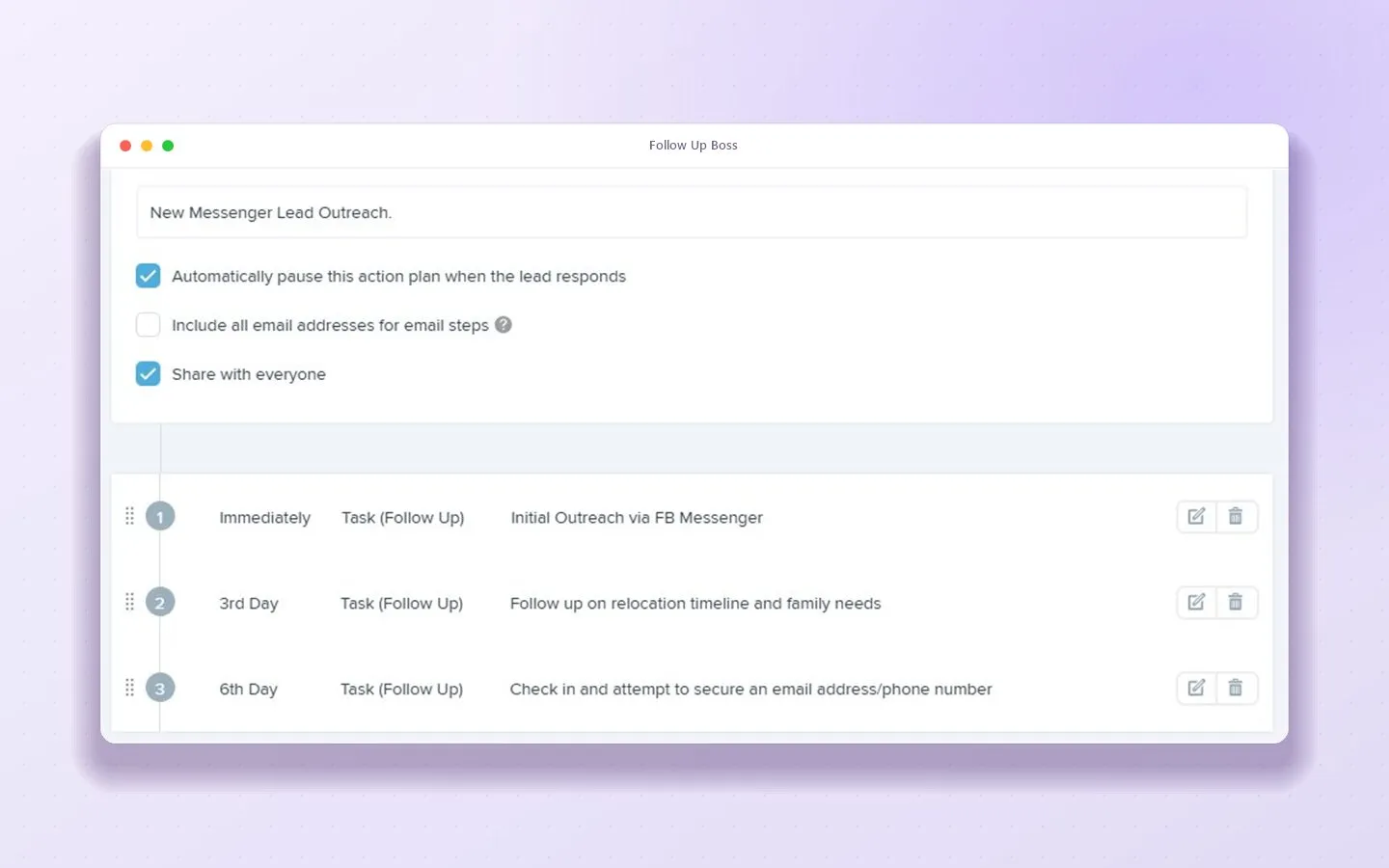 Real Estate CRMFollow Up Boss setup: the complete checklist for real estate teamsA step-by-step Follow Up Boss setup checklist: lead sources, stages, tags, smart lists, action plans, automations, ponds and team settings, from...
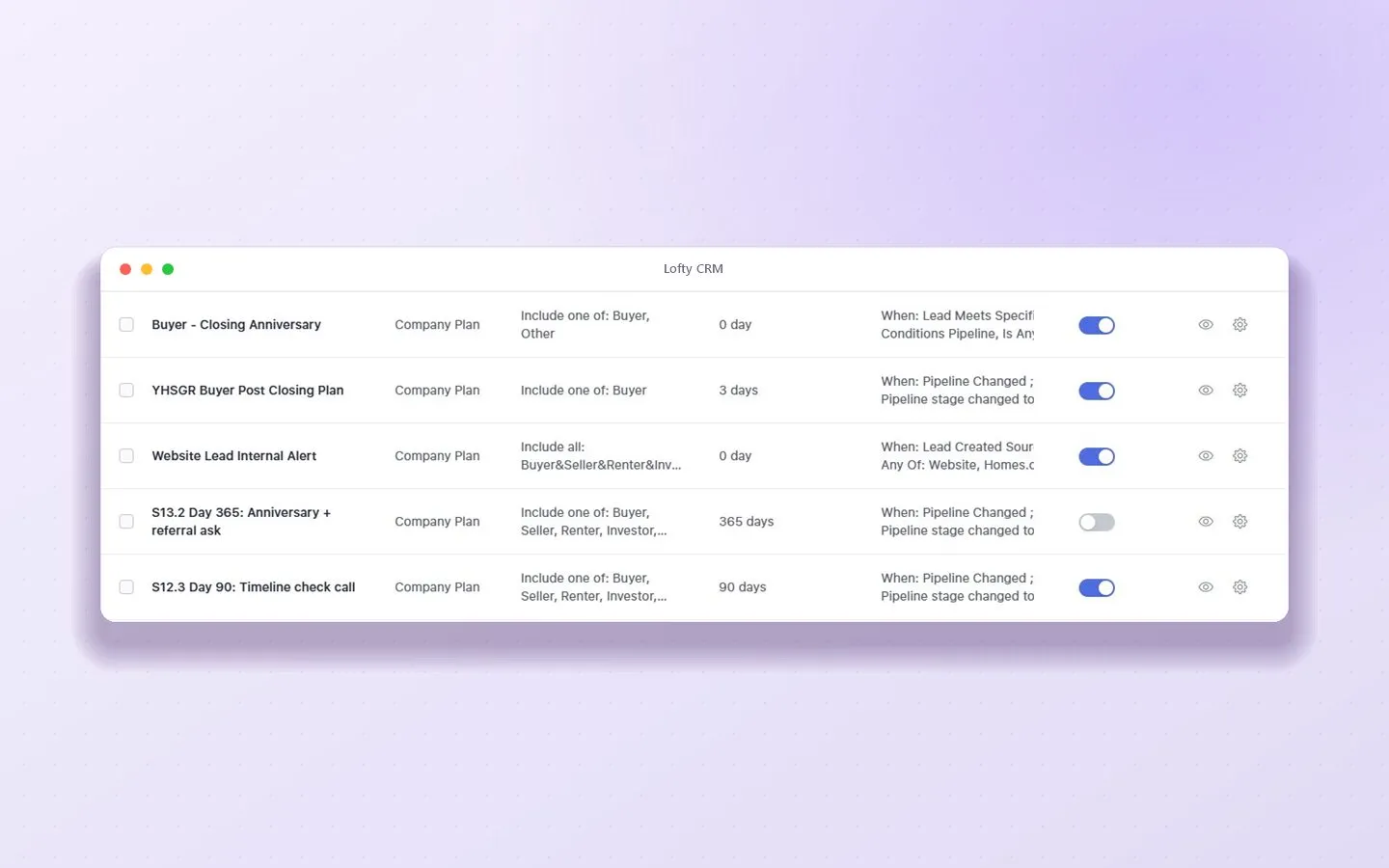 Real Estate CRMLofty vs Follow Up Boss: which real estate CRM fits your team?An honest comparison of Lofty (formerly Chime) and Follow Up Boss from someone who builds both: lead follow-up, automation, websites and IDX...