Follow Up Boss setup: the complete checklist for real estate teams
A step-by-step Follow Up Boss setup checklist: lead sources, stages, tags, smart lists, action plans, automations, ponds and team settings, from someone who builds FUB accounts for teams and brokerages.
 Ibrahim “Laolu” Awosanya3 min read
Key takeaways
- Connect every lead source first so leads arrive with the right source tag.
- Keep stages few and clear; use tags for detail.
- Smart lists are your team's daily to-do list. Build them before action plans.
- Action plans and automations should pause the moment a lead responds.
Follow Up Boss is one of the best real estate CRMs available, but only if it's set up around how your team actually works. Most accounts I audit have the same problems: leads with no source, twenty overlapping tags, action plans that keep emailing people who already replied, and no clear daily list for agents.
Here's the checklist I use for every Follow Up Boss build.
1. Lead sources and lead flow
- Connect every source: website, Zillow, Realtor.com, Facebook lead ads, open house forms.
- Make sure each source arrives with a clear source name, not "Unknown".
- Set lead flow rules per source: who gets it, which action plan starts and which pond it falls into if unclaimed.
2. Stages that match your sales process
Stages describe where a lead is in the journey. Keep them short and unambiguous: Lead, Attempted contact, Spoke with, Appointment set, Active client, Under contract, Closed, Past client, Nurture, Trash. If two agents would put the same lead in different stages, the stage list is too complicated.
3. A tag system your whole team understands
Tags add detail without new stages: timeline, price range, area, buyer or seller, special interests. Write the list down, delete duplicates and decide who can create new tags. A short, documented tag list is what makes smart lists and automations reliable later.
4. Smart lists: the daily to-do list
Smart lists turn the CRM into a work queue. I usually build five, worked left to right every morning:
- New leads not yet contacted (speed to lead).
- Today's follow-ups: hot and warm leads due a call.
- Appointments set this week.
- Leads with missing information, like no timeline or no phone.
- Nurture leads not contacted in 30+ days.
5. Action plans that sound like you
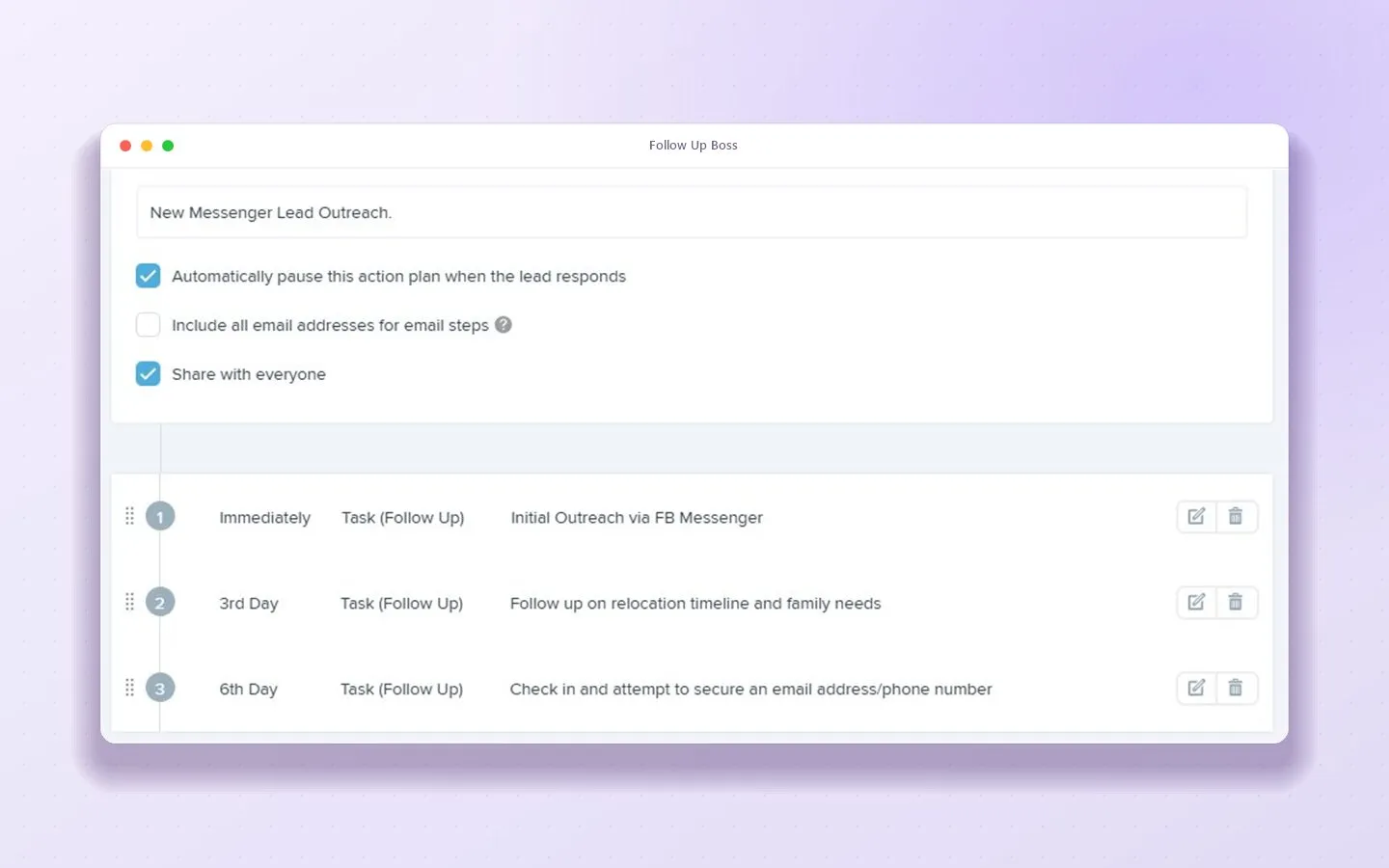
Action plans are timed sequences of emails, texts and tasks. A good new-lead plan mixes an instant text and email with call tasks over the first two weeks, then moves to a slower nurture plan. Two settings matter most: pause the plan when the lead responds, and only include email steps where you have permission to email.
6. Automations and ponds
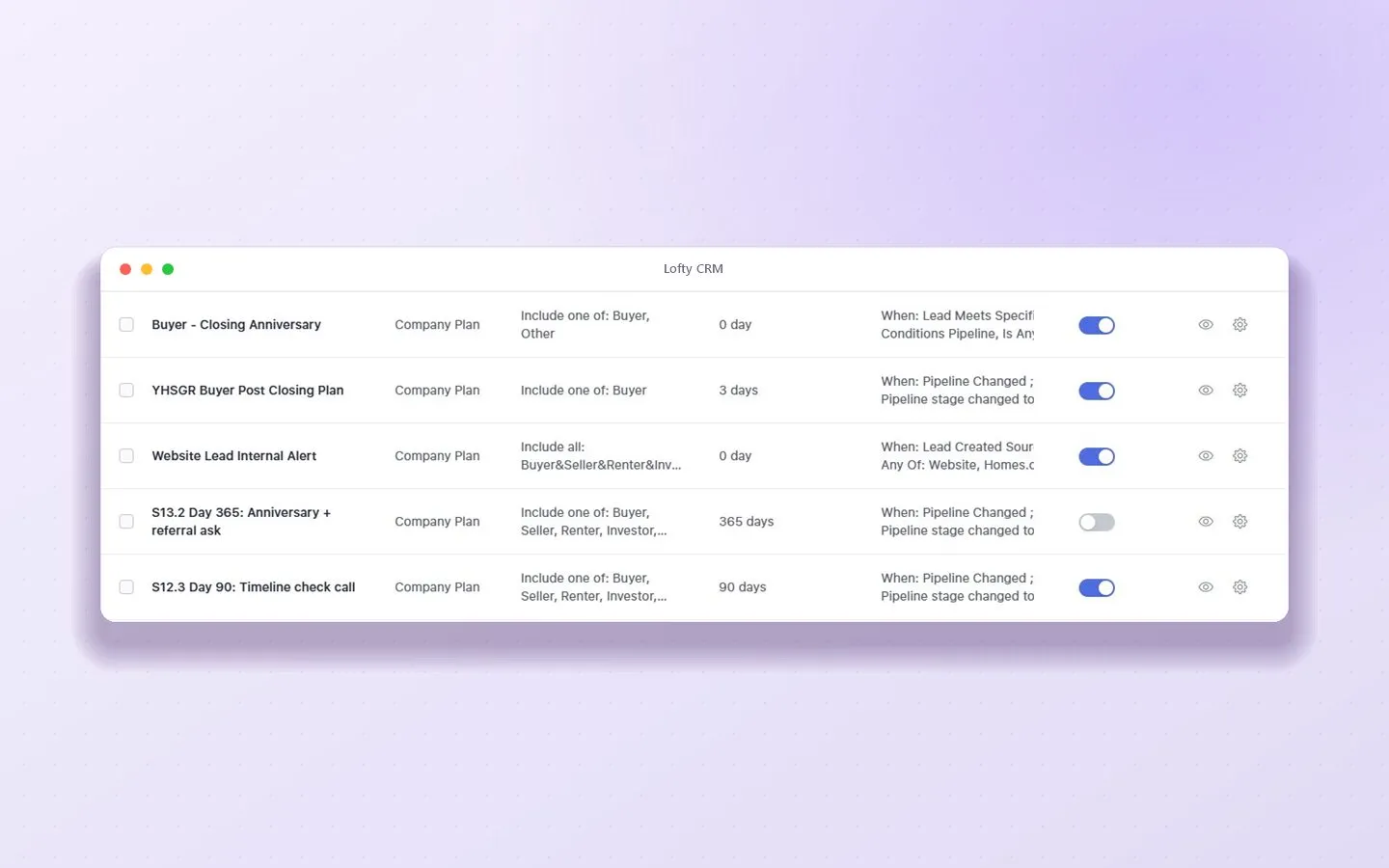
Use automations to start the right action plan when a tag is added or a stage changes, so nobody has to remember. Use ponds to collect unclaimed or stale leads so any agent can work them. My guide to ponds and lead routing covers the setup.
7. Team settings and texting
- Roles and permissions so agents only see what they should.
- Daily task emails turned on for every agent.
- Texting numbers registered for A2P 10DLC (see the A2P 10DLC guide).
8. Import and clean your existing data
Bring in your old leads last, once the structure is ready, so they land in the right stages with the right tags. Run a small test import first, check for duplicates, then import in batches. My Follow Up Boss relocation team case study shows how I imported 270 contacts with zero duplicates, even though most had no email or phone number.
Prefer to have it done? I set up Follow Up Boss as part of the CRM Foundation package, with training for your team.
Frequently asked questions
How long does a Follow Up Boss setup take?
A clean setup for a small team usually takes three to five days, including lead sources, stages, smart lists, action plans and training. Migrations from another CRM add time depending on data quality.
Can you import leads that have no email or phone?
Yes. When leads lack an email or phone number, I create a custom ID field to prevent duplicates, as I did for a relocation team importing Facebook-group leads.
Do you train the team after setup?
Yes. Every setup comes with a recorded walkthrough and written notes so new agents can learn the system without you.
CRM & AI automation specialist, Level 2 seller on Fiverr and certified across HighLevel, HubSpot, Zapier, Make, n8n and more. I build CRMs and automations that follow up on every lead. More about me
Want Follow Up Boss set up properly?
I build FUB accounts for agents, teams and brokerages, with training for your team. Book a free call.
Keep reading
 Real Estate CRMSpeed to lead: how to respond to every real estate lead in under 5 minutesWhy response time decides who wins the client, and the exact CRM setup that gets every Zillow, Facebook and website lead a reply in seconds and an...
 Real Estate CRMLofty vs Follow Up Boss: which real estate CRM fits your team?An honest comparison of Lofty (formerly Chime) and Follow Up Boss from someone who builds both: lead follow-up, automation, websites and IDX...Case study · Follow Up Boss · Real estateA complete Follow Up Boss build for a relocation-focused team200 Facebook-group leads with no emails or phone numbers, turned into a CRM the whole team works from.