How to migrate your real estate CRM without losing leads
A safe, step-by-step plan for moving to Follow Up Boss, Lofty, BoldTrail or GoHighLevel: data audit, field mapping, dry-run imports, duplicate prevention, routing and cut-over day.
 Ibrahim “Laolu” Awosanya3 min read
Key takeaways
- Audit and clean your data before moving it; never migrate a mess.
- Map every field and tag from the old system to the new one in writing.
- Run a dry-run import on a small sample before importing everything.
- Keep the old CRM read-only until routing and automations are tested.
Switching CRMs is one of the riskiest projects a real estate team takes on. Done badly, you lose notes, create thousands of duplicates and send old clients automated messages meant for brand-new leads. Done well, it's a fresh start with cleaner data than you've ever had.
This is the process I use, including on an investor team's move from REsimpli to Lofty.
1. Audit the old CRM
- Export everything: contacts, tags, stages, notes and custom fields.
- Count records by stage and source so you can verify later.
- List every integration feeding leads in: portals, website, Facebook, dialers.
2. Clean before you move
Merge duplicates, delete junk, fix formatting and protect anyone marked Do Not Contact. If you move a mess, you pay to clean it twice. This is also the moment to cut a bloated tag list down to something your team will use.
3. Map fields and tags in writing
Create a simple table: old field, new field, notes. Decide how old stages translate to new ones. Get the team lead to approve it before anything moves. In shared brokerage accounts, I always get written approval before changing tags.
4. Dry run
Import 20 to 50 records first. Check names, phones, emails, tags, stages and notes. Check that no automation fired on them. Only then import the rest, in batches.
5. Prevent duplicates
CRMs usually de-duplicate on email or phone. When leads have neither, as with Facebook-group leads, create a custom Lead ID. When a live integration keeps sending leads, use "find before create" logic so existing contacts are updated, not duplicated. The ARIVE to Lofty sync uses exactly that.
6. Rebuild routing and automations
Recreate lead flow, round robin, ponds and follow-up plans in the new CRM, then test each lead source with a fake lead. In the REsimpli to Lofty project, that meant 17 routing rules and a Zapier feed, plus replaying 37 held leads safely.
7. Cut-over day
- Switch every lead source to the new CRM.
- Keep the old CRM read-only for 30 days.
- Watch new leads for the first 48 hours.
- Train the team on the new daily workflow.
Read the full REsimpli to Lofty migration case study, or let me handle yours as part of the CRM Foundation package.
Frequently asked questions
How long does a real estate CRM migration take?
Small, clean databases can move in a few days. Larger migrations with integrations, routing rules and cleanup usually take two to three weeks.
Will my notes and history come across?
Usually contacts, tags, stages and notes can be migrated. Full email and text history depends on what each CRM can export and import, which I check before quoting.
How do you prevent duplicates?
By cleaning first, matching on email and phone, using a custom ID when those are missing, running a small test import and importing in batches.
CRM & AI automation specialist, Level 2 seller on Fiverr and certified across HighLevel, HubSpot, Zapier, Make, n8n and more. I build CRMs and automations that follow up on every lead. More about me
Planning a CRM switch?
I'll scope your migration on a free call: what moves, what gets cleaned and how long it takes.
Keep reading
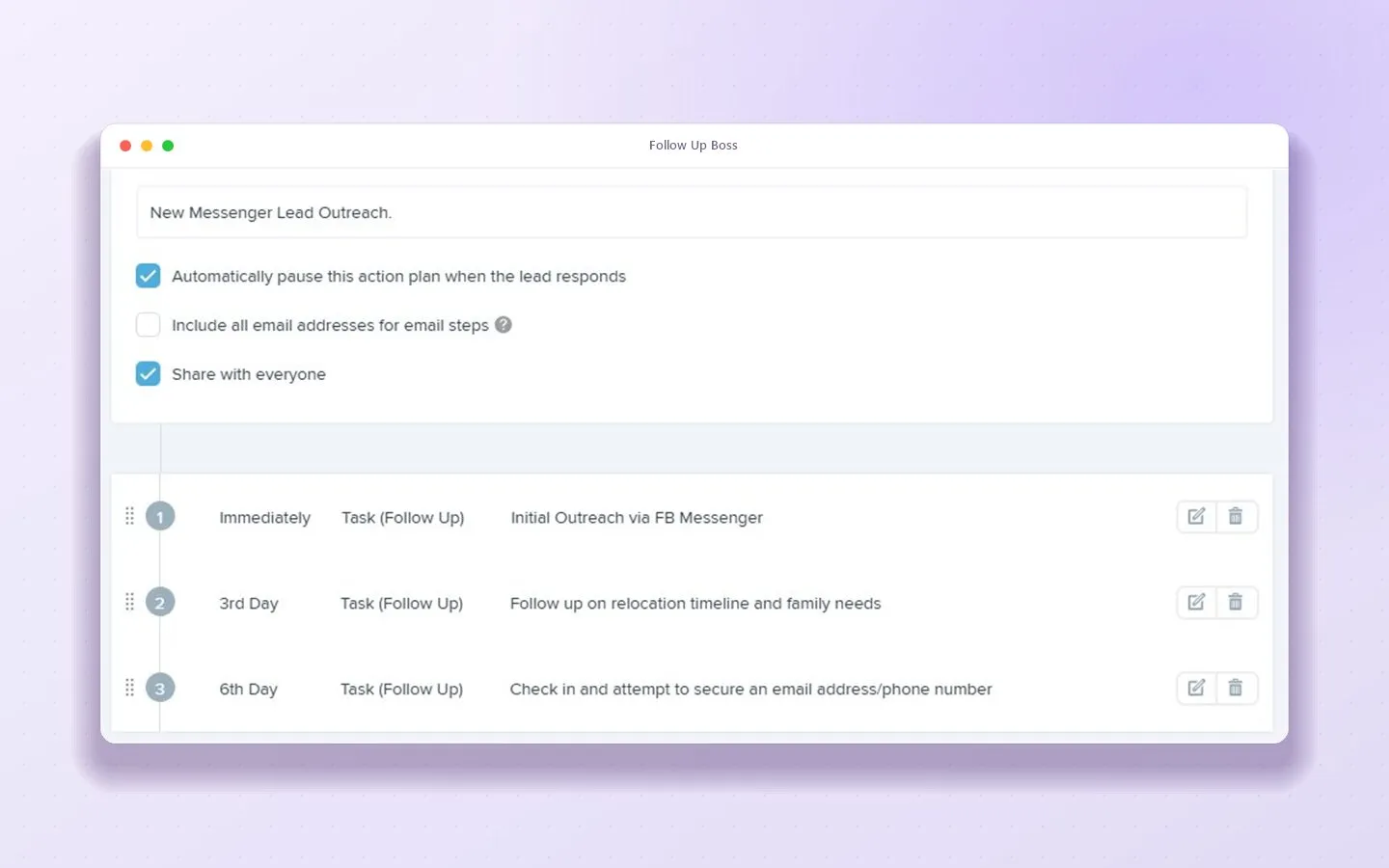 Real Estate CRMSpeed to lead: how to respond to every real estate lead in under 5 minutesWhy response time decides who wins the client, and the exact CRM setup that gets every Zillow, Facebook and website lead a reply in seconds and an...Real Estate CRMFollow Up Boss setup: the complete checklist for real estate teamsA step-by-step Follow Up Boss setup checklist: lead sources, stages, tags, smart lists, action plans, automations, ponds and team settings, from...
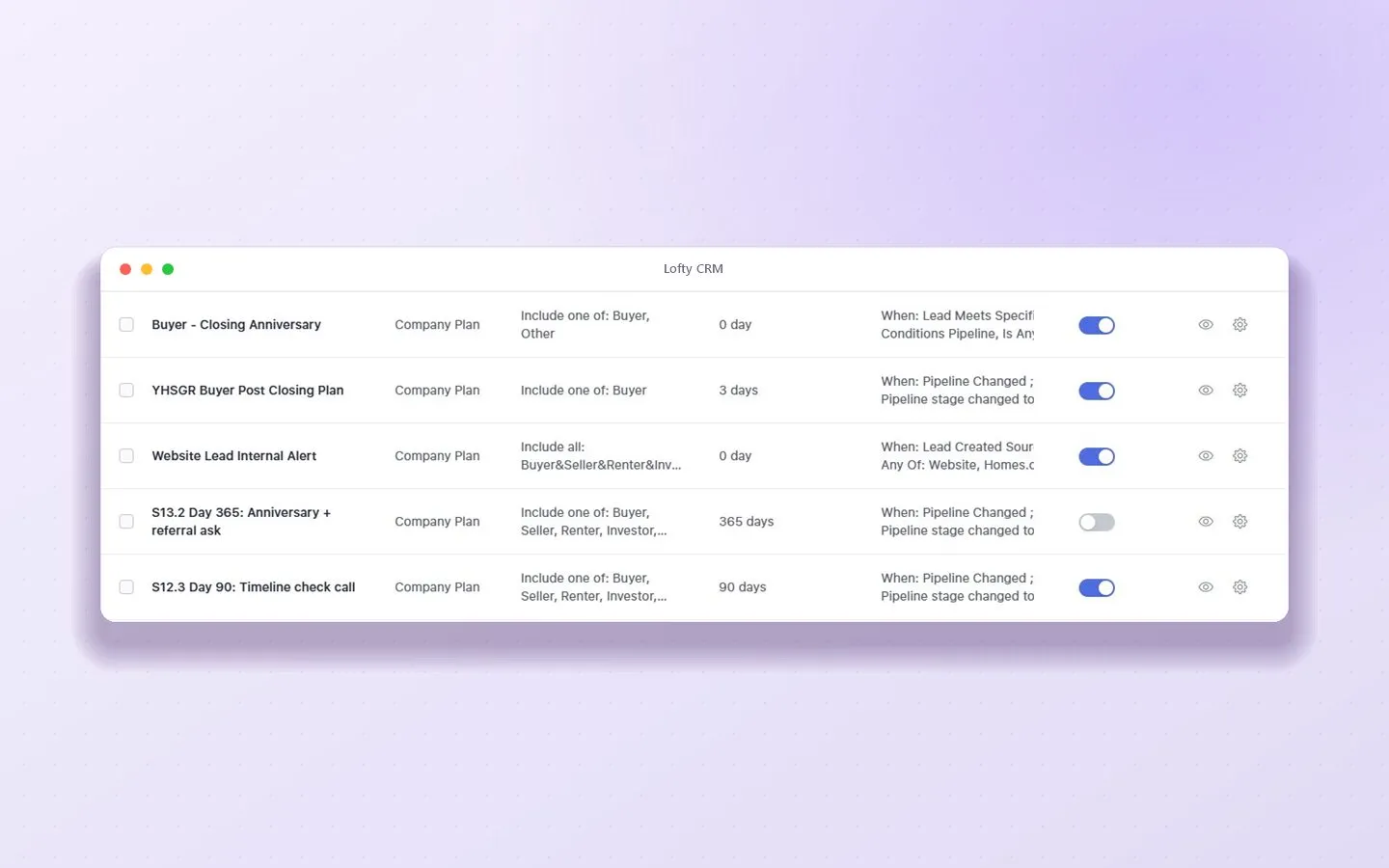 Case study · Lofty · Zapier · Real estateMigrating an investor team from REsimpli to LoftyThousands of leads moved, 17 routing rules built and a live Zapier sync so every appointment lands on the right agent.