Client onboarding automation: from signed contract to kickoff in minutes
How to automate client onboarding for agencies, consultants and coaches: intake, payment, folders, documents, welcome emails, reminders and CRM updates, with real n8n and GoHighLevel examples.
 Ibrahim “Laolu” Awosanya3 min read
Key takeaways
- Onboarding is usually 10 to 20 manual steps that can run from one trigger.
- Automate the admin; keep the welcome call personal.
- Payment, access and folders should happen the moment a client signs.
- Reminders protect you from clients who stall.
The moment between "yes" and "we've started" is where clients form their first real impression, and where most businesses are slowest. A client signs, then waits for an invoice, a folder, a questionnaire and a kickoff link while someone works through a checklist. Onboarding automation fixes that.
What to automate
- Intake: one form captures everything you need.
- Payment: confirmation moves the client forward automatically.
- Folders and documents: a client folder with templates copied in.
- Welcome: email and text with next steps and a kickoff booking link.
- Access: portal, course or tool access granted instantly.
- CRM: stage updated, owner assigned, tasks created.
- Reminders: nudges if the client hasn't completed a step.
Example 1: a consulting agency in n8n
A consulting and talent agency spent hours on every new client. I built an n8n engine where one form submission logs the lead, branches by inquiry type, adds an AI fit score (advisory only), creates Google Drive folders and documents, schedules calendar events, sends reminder sequences and posts activity to Notion (read the case study).
Example 2: payments and access in GoHighLevel
For course creators and agencies, an order form triggers onboarding, payment confirmation sends a welcome text and paid course access is granted the moment payment clears (read the case study).
Keep the human parts human
Automate the admin, not the relationship. The kickoff call, the personal welcome video and the first check-in should still come from you; automation just makes sure they happen on time.
Where to start
Write your current onboarding as a checklist. Every step that's the same for every client is a candidate. Then choose the tool: see Zapier vs Make vs n8n, or book a call and I'll map it with you.
Frequently asked questions
What parts of client onboarding can be automated?
Intake forms, contracts, payment confirmation, folder and document creation, welcome emails and texts, course or portal access, scheduling the kickoff call, reminders and CRM updates.
Which tool is best for onboarding automation?
GoHighLevel works well when payments and messaging live there. n8n, Make or Zapier are better when onboarding spans Google Workspace, Notion, project tools and more.
Will automation make onboarding feel impersonal?
Not if you automate the admin and keep the human moments. Clients notice speed and clarity far more than who clicked send.
CRM & AI automation specialist, Level 2 seller on Fiverr and certified across HighLevel, HubSpot, Zapier, Make, n8n and more. I build CRMs and automations that follow up on every lead. More about me
Spending hours onboarding every client?
I'll map your onboarding and automate the repetitive steps. Book a free call.
Keep reading
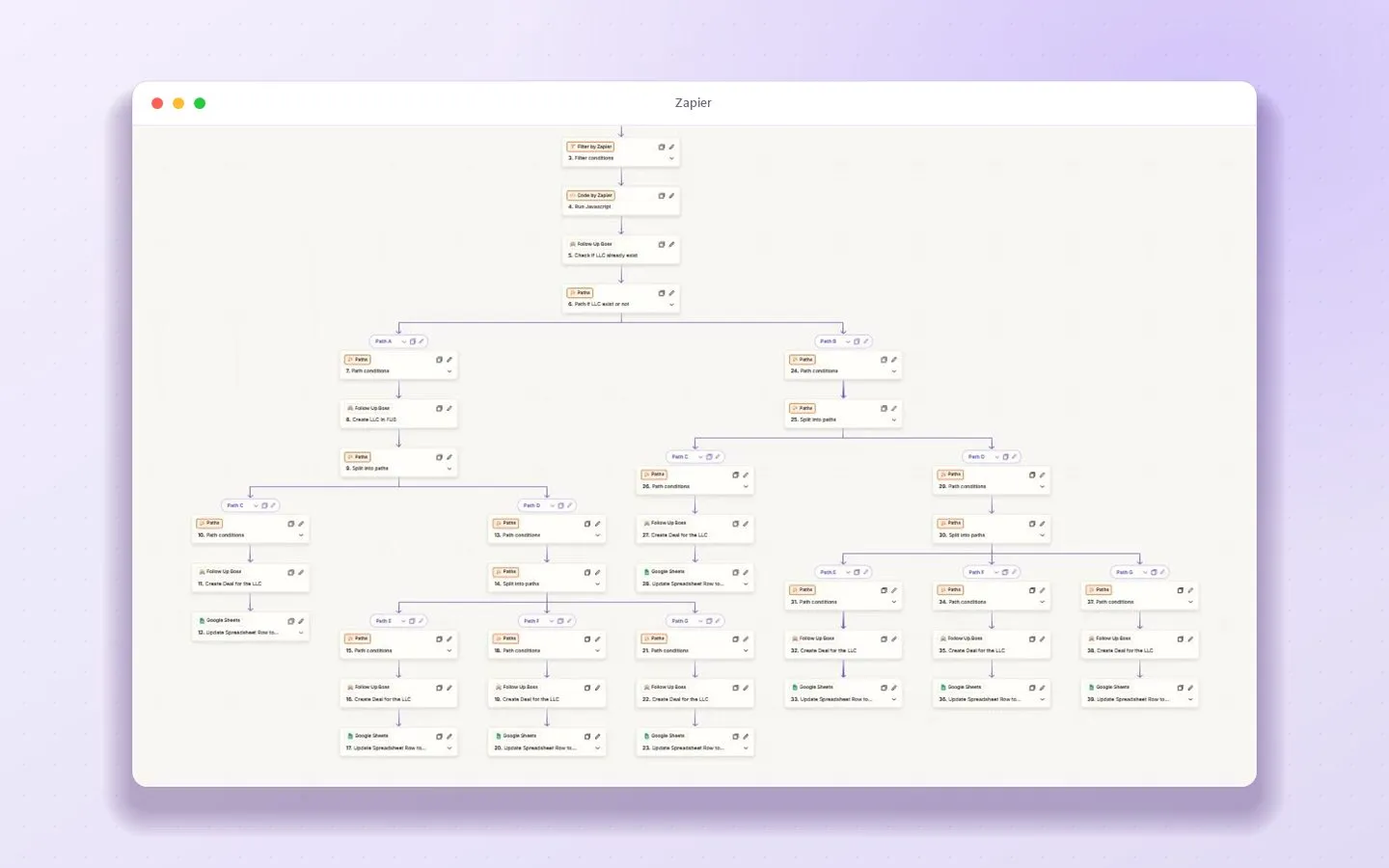 Workflow AutomationZapier vs Make vs n8n: which automation tool should you use?An honest comparison of Zapier, Make and n8n for small businesses: ease of use, pricing models, AI agents, reliability and when to use each, from a...
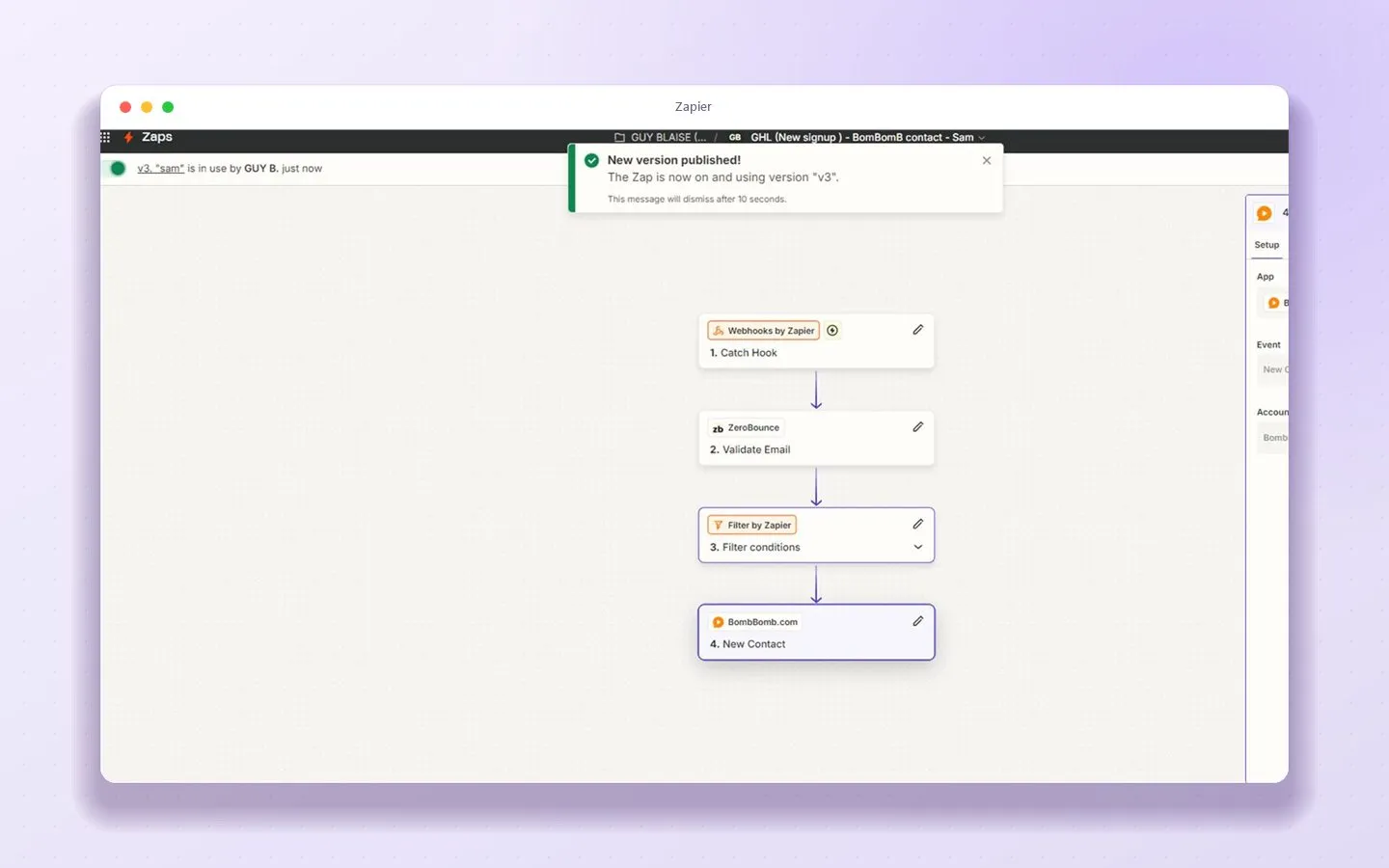 Workflow AutomationHow to send website and Facebook leads into your CRM automaticallyStop copying leads by hand. How to connect website forms, Facebook Lead Ads and landing pages to your CRM with native integrations, Zapier, Make or...
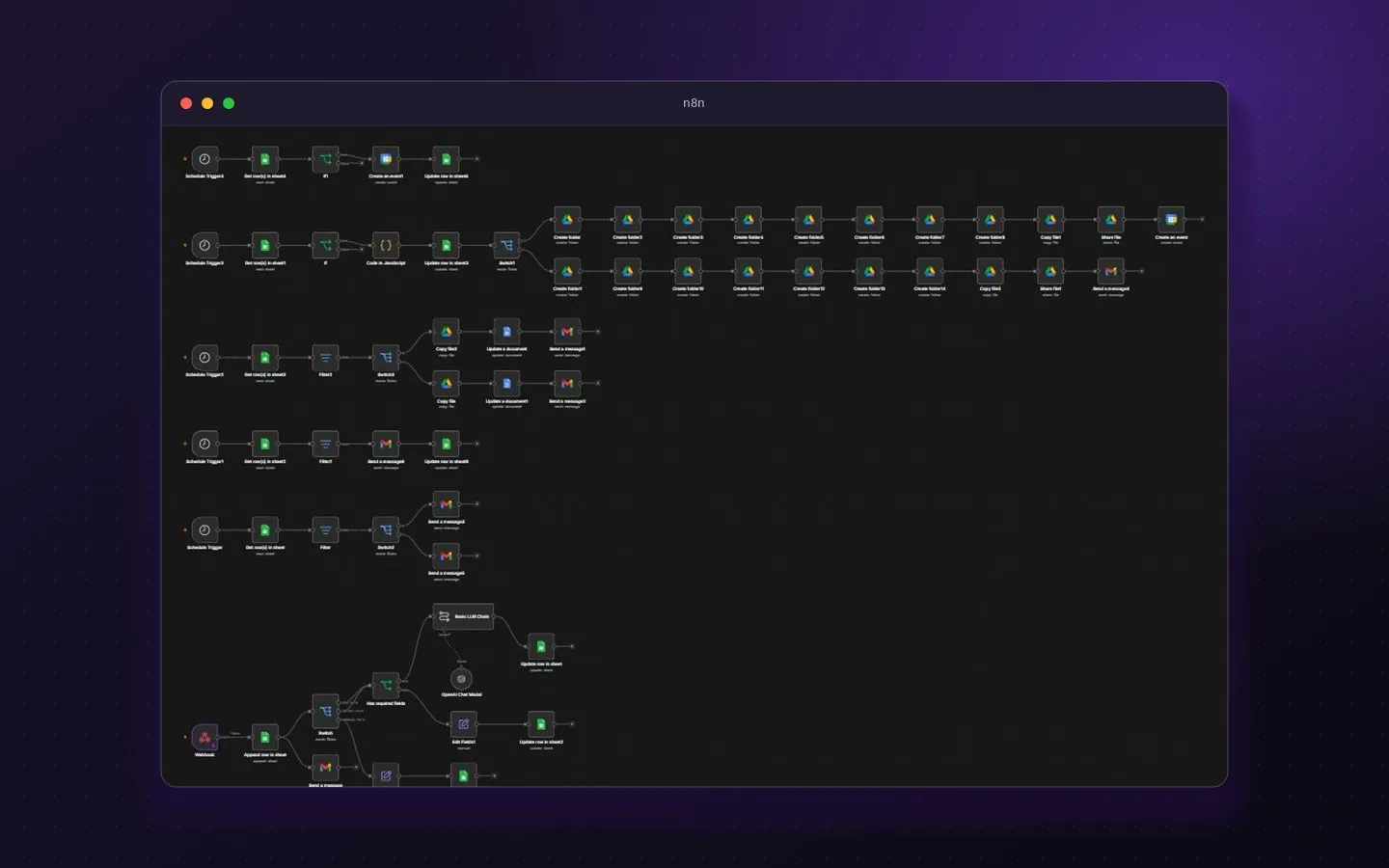 Case study · n8n · Google Workspace · AIAn end-to-end client onboarding engineOne form submission now triages the lead, scores it with AI, provisions folders and documents and runs every follow-up.