GoHighLevel setup checklist for small businesses
A HighLevel Certified Admin's checklist for setting up GoHighLevel properly: sub-account, phone and A2P, pipelines, calendars, forms, workflows, conversation AI and reporting.
 Ibrahim “Laolu” Awosanya3 min read
Key takeaways
- Set up the phone number and A2P registration first; texting is the heart of GoHighLevel.
- Build one pipeline per sales process, not per lead source.
- Connect every form and calendar to a workflow, or leads will sit untouched.
- Turn on missed-call text-back and appointment reminders on day one.
GoHighLevel can replace five or six tools: CRM, funnels, calendars, texting, email and reputation management. That power is also why so many accounts end up half-built, with workflows that never fire and leads sitting in "New" forever. As a HighLevel Certified Admin, this is the order I set things up.
1. Business profile, users and permissions
- Complete the business profile, time zone and branding.
- Add users with the right roles; only admins should edit workflows.
- Turn on two-factor authentication for everyone.
2. Phone number and A2P 10DLC
Texting is where GoHighLevel earns its keep, so do this first: buy a local number, register your brand and campaign for A2P 10DLC and set up call forwarding. Registration can take days, so start early. I explain the process in my A2P 10DLC guide.
3. Pipelines that mirror your sales process
Create one pipeline per way you sell (for example "New clients" and "Renewals"), not one per lead source. Keep stages to six or seven: New lead, Contacted, Qualified, Appointment booked, Proposal sent, Won, Lost. Use tags and custom fields for detail.
4. Calendars and forms
- Set availability, buffers and minimum notice on each calendar.
- Add confirmation and reminder messages.
- Build forms that ask only what you need, with consent wording for SMS.
5. Core workflows to turn on first
- New lead: instant text and email, owner assigned, task created.
- Missed-call text-back (see the missed-call guide).
- Appointment reminders at 24 hours and 1 hour, plus a no-show follow-up.
- Long-term nurture for leads who aren't ready yet.
- Opt-out handling that sets Do Not Disturb and notifies the team.
6. Conversation AI and the AI Employee
Once the basics work, add AI to reply to inbound messages and book appointments. Start in suggestive mode, review the replies, then switch to auto-pilot. More in the GoHighLevel AI Employee guide.
7. Test every journey end to end
Submit every form, book every calendar and call your own number. Check the contact lands in the right stage, gets the right messages and creates the right tasks. This is where most DIY setups fail.
8. Reporting and handover
Set up a simple dashboard: leads by source, appointments booked and pipeline value. Then record a walkthrough so your team knows how it all works.
You can see a real example in my GoHighLevel onboarding case study. Want it done for you? It's part of the CRM Foundation and Follow-Up Engine packages.
Frequently asked questions
How long does a GoHighLevel setup take?
A focused sub-account setup with pipeline, calendar, forms and core workflows usually takes one to two weeks, including A2P registration time.
Do I need A2P 10DLC for GoHighLevel?
If you text US contacts from a local number, yes. Unregistered messages can be filtered or blocked by carriers.
Can you migrate my contacts into GoHighLevel?
Yes. I clean and map your data, import it with tags and custom fields and make sure no one gets an automated message they shouldn't.
CRM & AI automation specialist, Level 2 seller on Fiverr and certified across HighLevel, HubSpot, Zapier, Make, n8n and more. I build CRMs and automations that follow up on every lead. More about me
Want GoHighLevel set up by a Certified Admin?
I'll build your account around how you sell and hand it over with training. Book a free call.
Keep reading
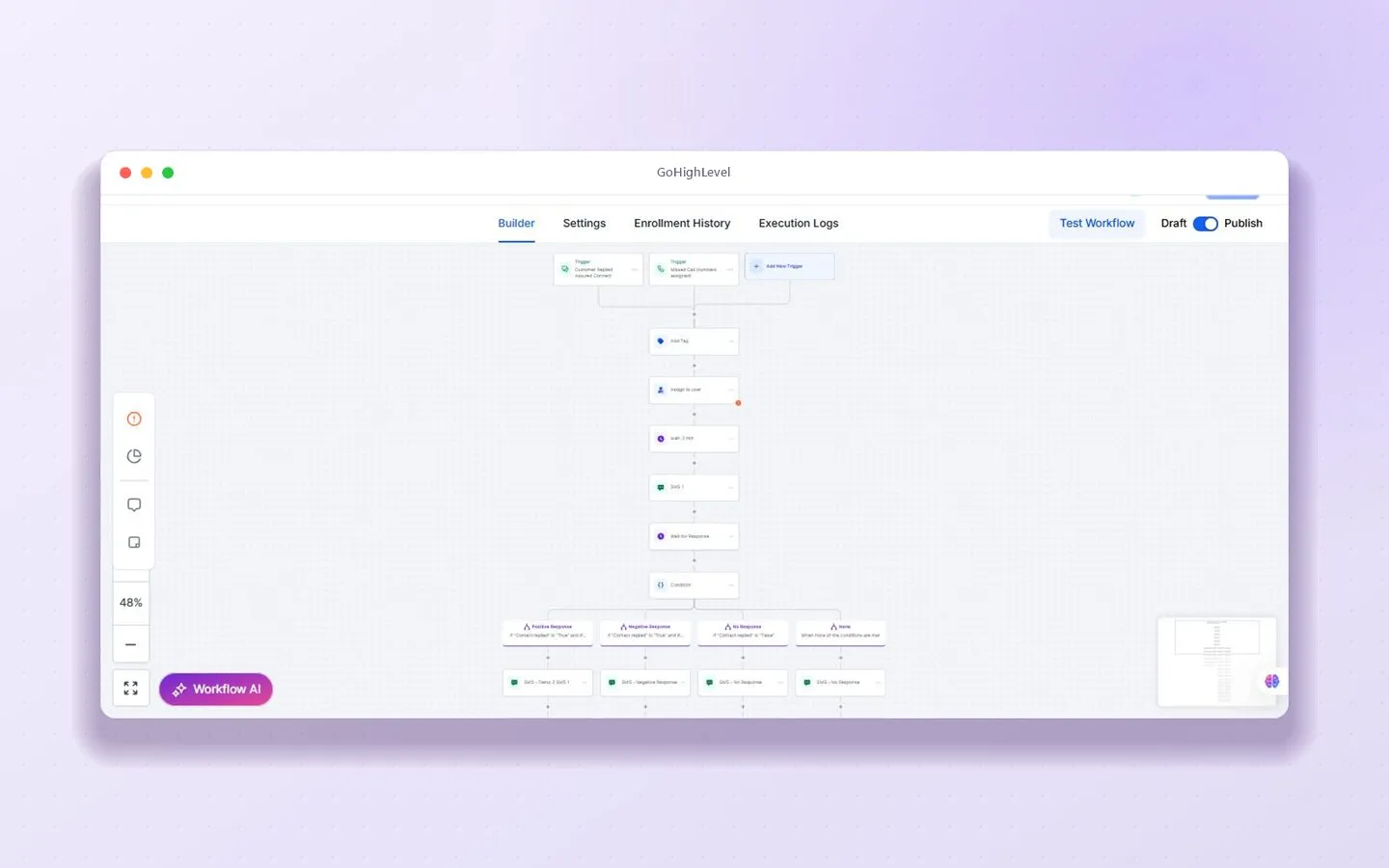 GoHighLevelMissed call text back: the simplest automation that wins back lost jobsHow missed-call text-back works, why it recovers jobs local businesses would lose to competitors, the message that gets replies and how to set it up...
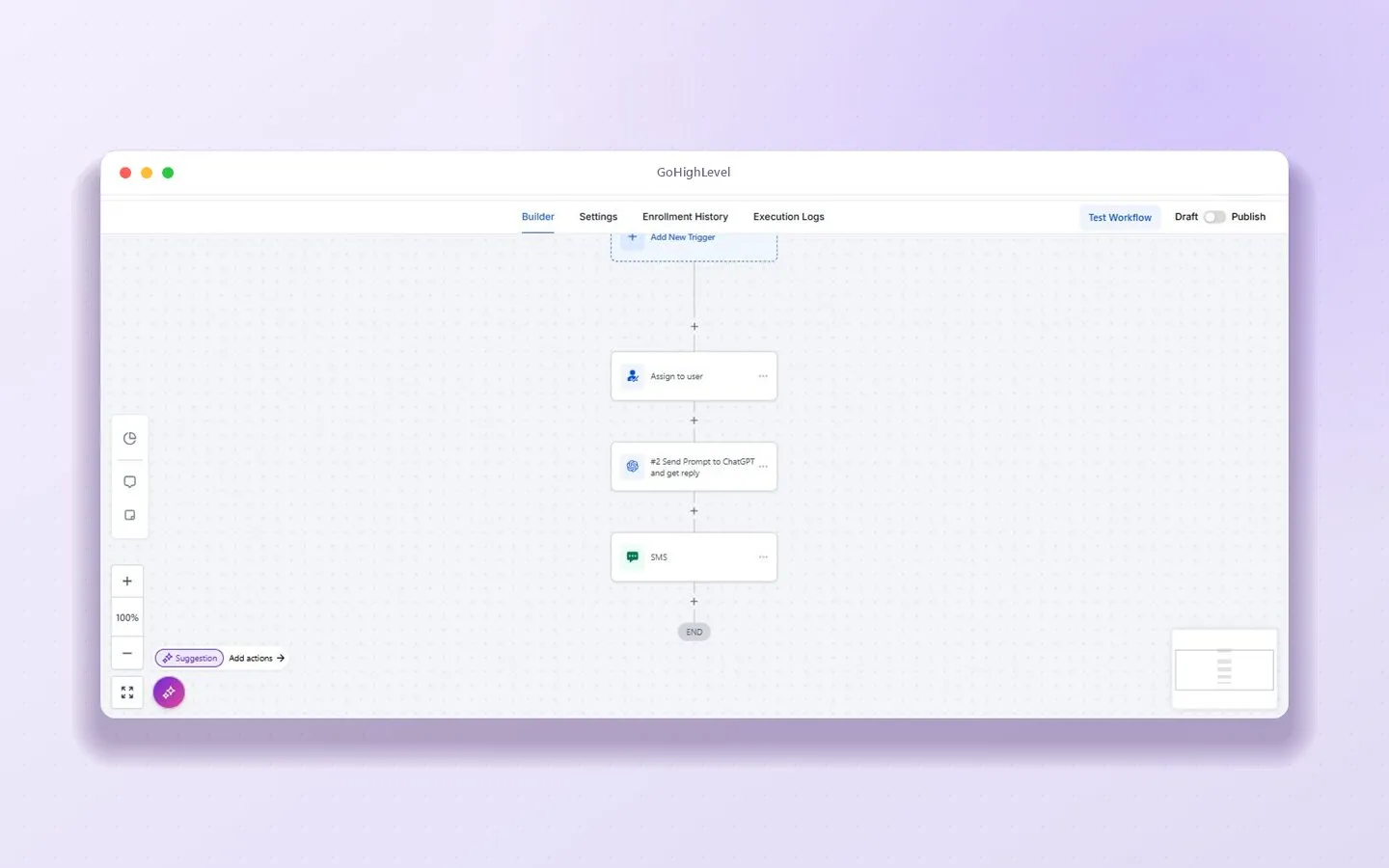 GoHighLevelGoHighLevel AI Employee: what it does and how to set it up safelyA HighLevel AI Employee certified builder explains Conversation AI, voice AI and AI booking in GoHighLevel: what to automate, how to train it...
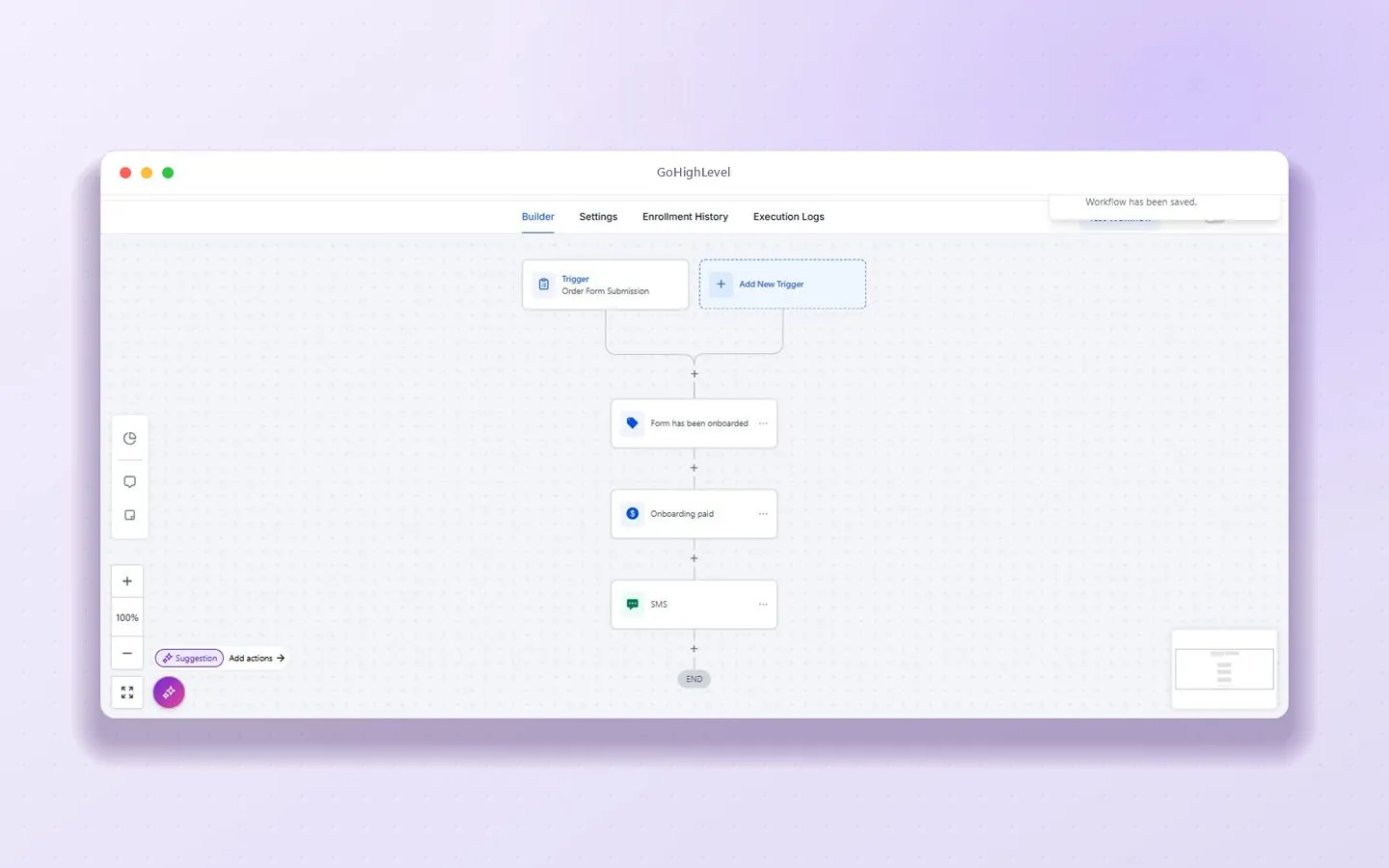 Case study · GoHighLevel · PaymentsFrom payment to onboarded, automaticallyOrder forms, payments, course access and membership leads handled by workflows, so new clients start the moment they pay.