GoHighLevel AI Employee: what it does and how to set it up safely
A HighLevel AI Employee certified builder explains Conversation AI, voice AI and AI booking in GoHighLevel: what to automate, how to train it, guardrails and a safe rollout plan.
 Ibrahim “Laolu” Awosanya3 min read
Key takeaways
- The AI Employee adds AI replies, booking and voice to your GoHighLevel workflows.
- Train it on approved knowledge only, with clear instructions and limits.
- Start in suggestive mode, review replies, then switch to auto-pilot.
- Always route to a human when the AI is unsure or the lead asks.
GoHighLevel's AI Employee can reply to leads, answer questions, book appointments and answer calls inside the system you already use. As someone certified in both HighLevel admin and the AI Employee, here's how I roll it out without risking your reputation.
What it can do
- Conversation AI: replies to texts, web chat and social messages.
- Appointment booking: offers times and books into your calendar.
- Voice AI: answers inbound calls and captures details.
- Workflow AI: AI steps inside workflows, like summarizing or classifying replies.
Where it pays off
- Instant replies to new leads, especially after hours.
- Booking appointments from long-term nurture when a lead re-engages.
- Answering repetitive questions: hours, services, process.
- Qualifying before a human calls (see AI lead qualification).
How to train it
- Give it approved knowledge only: services, areas, process, FAQs.
- Write clear instructions: tone, goal of the conversation, what it must never do.
- Set limits: no prices unless approved, no promises, no legal or financial advice.
A safe rollout plan
- Week 1, suggestive mode: the AI drafts replies, your team approves them.
- Week 2: tune instructions based on what it got wrong.
- Week 3, auto-pilot for simple conversations, with handoff rules.
- Ongoing: review a sample of conversations every week.
A real example
In one build, a 30-email nurture sequence watches for engagement. When a lead opens or replies, an AI booking bot takes over the conversation, and AI conditions check whether it booked the call or timed out, routing the lead either way (read the case study).
New to GoHighLevel? Start with the setup checklist, or have me build it with the AI Front Desk package.
Frequently asked questions
What is the GoHighLevel AI Employee?
HighLevel's suite of AI features, including Conversation AI for text and chat, voice AI for calls, and AI tools inside workflows and content.
Can the AI book appointments?
Yes. It can offer available times from your calendar and book the appointment during the conversation.
Is it safe to let AI reply to leads automatically?
Yes, with guardrails: approved knowledge only, clear instructions, a review period in suggestive mode and handoff rules for anything sensitive.
CRM & AI automation specialist, Level 2 seller on Fiverr and certified across HighLevel, HubSpot, Zapier, Make, n8n and more. I build CRMs and automations that follow up on every lead. More about me
Want the AI Employee set up properly?
I hold the HighLevel AI Employee certification. Let's map where AI fits in your account.
Keep reading
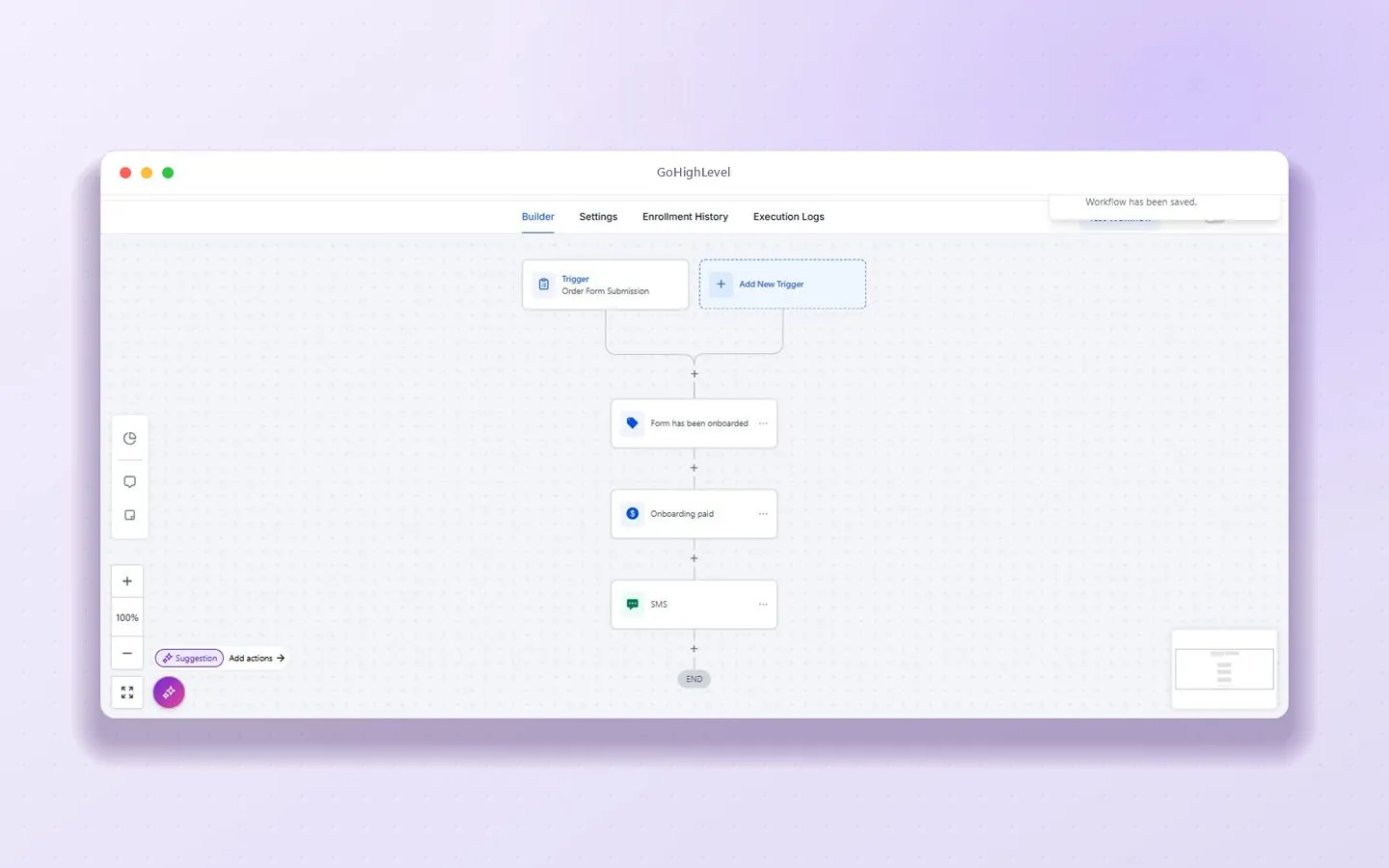 GoHighLevelGoHighLevel setup checklist for small businessesA HighLevel Certified Admin's checklist for setting up GoHighLevel properly: sub-account, phone and A2P, pipelines, calendars, forms, workflows...
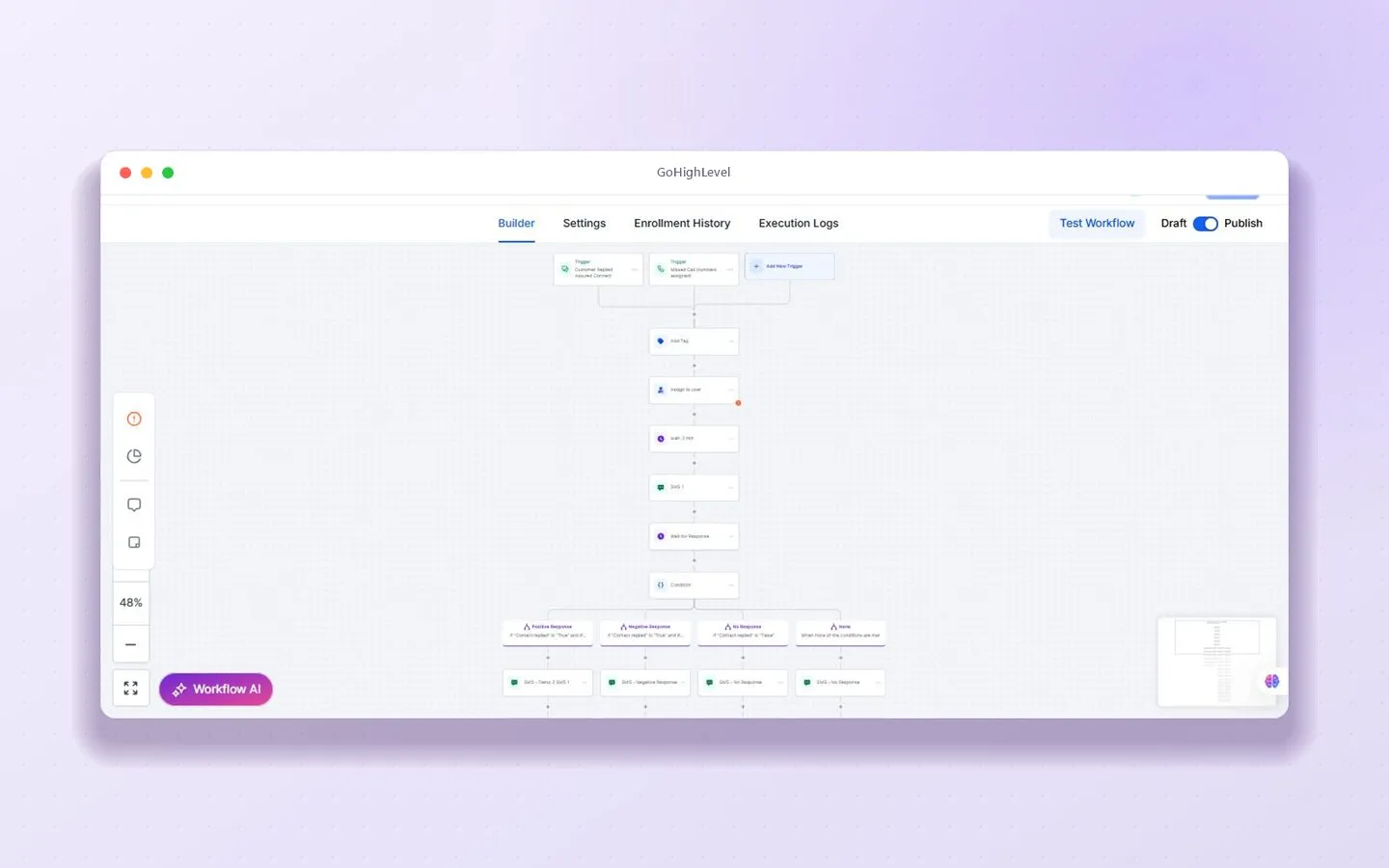 GoHighLevelMissed call text back: the simplest automation that wins back lost jobsHow missed-call text-back works, why it recovers jobs local businesses would lose to competitors, the message that gets replies and how to set it up...
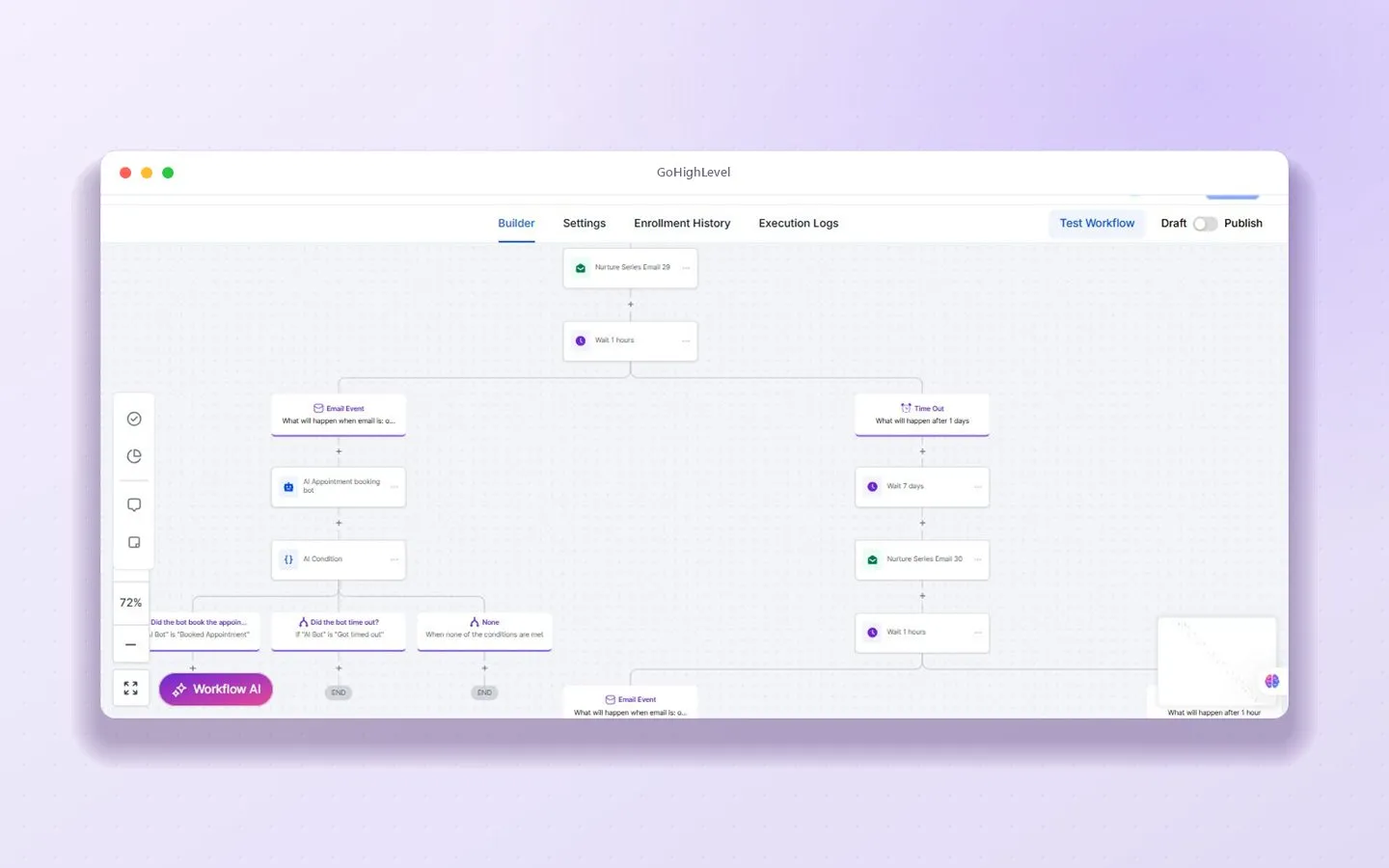 Case study · GoHighLevel · AIAn AI bot that books appointments from long-term leadsA 30-email nurture series with an AI booking assistant that steps in the moment a lead engages, and knows when to step back.